One app for your belongings, your receipts and your money
Everything you own. At a glance.
Take a photo of what you own, from the sideboard to the coin collection. The AI assistant OWNY enters it for you, you just check it. And if you like, OWNAMIC works out whether your money is enough for your plans.
One photo, free and without signing up
Welcome to OWNAMIC.Adrian · Founder
Example: what one family owns€280,000–310,000
Just photographedSideboard, acaciaAI estimate€420–560to home contents
Example: is the money enough for their plans?Holidays, parental leave, part-time and a new heating are included
Possible net worth at 67around €960,000around €820,000 if cautious, around €1.2m if things go well
All 3 planswithin reachSavings never drop below €15,000
€500,000€1m35455565Parental leave at 36Part-time from 37New heating at 46Retirement at 67
Example household, simplified, in today’s prices. Included: €600 a month for holidays and leisure, 12 months of parental leave at €600 less a month, then 3 years part-time at €400 less, a new heating for €15,000 after subsidies. Assumed: securities grow by 4% a year, also calculated with 2 and 6%. The value of belongings is shown as a range.
OWNAMIC is an app for private households. In it you keep track of what you own, what you spend and where your receipts are. There are four editions:
Home & Inventory for belongings and receipts
Finances for budgeting
Order & Legacy for heirlooms
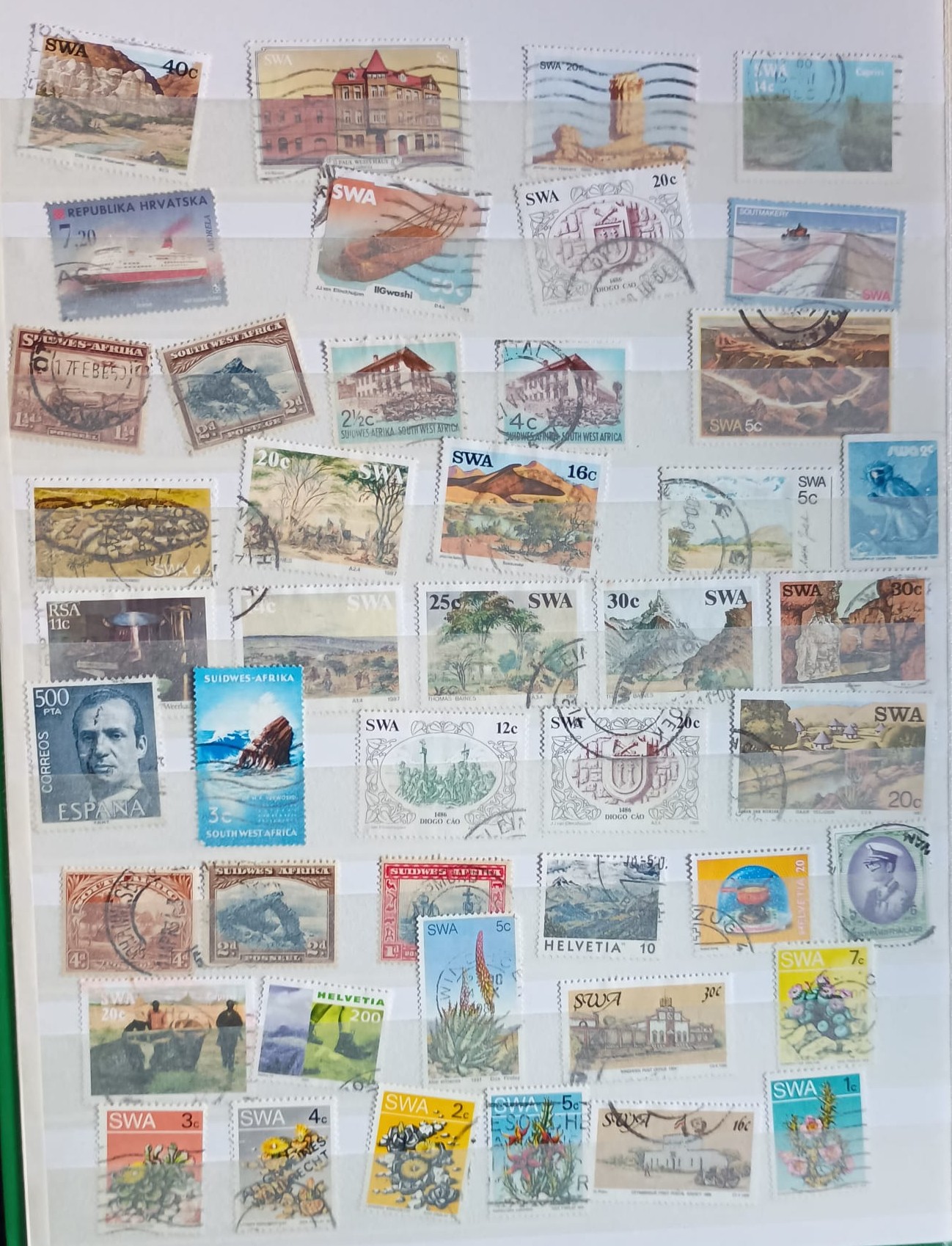
Collection for coins, stamps, watches, minerals.
The AI assistant OWNY recognises items in photos – OWNAMIC organises, it does not advise.
“I never wanted to hunt for manuals again, scrape together receipts for the tax return or add up the data of five finance apps in Excel after all. In OWNAMIC everything is in one place.”
For all of you. So that not one person has to think of everything.
Warranties, budgets, who is to get what – share the overview with your partner or family instead of one person keeping it all in their head.
One account for both of you
The simplest way: you use one account together and both see and change everything – share the access only with people you trust.
Or a shared space
Each person keeps their own account. You only put in the things and contracts everyone should see. For up to five people.
You show money values only if you want
The others see what something is worth only once you release it.
What you own, your data.
Whatever you enter you can download at any time: as a report, as tables and with your files. That still works after your subscription has ended. We store the contents of your entries encrypted, and we do not sell your data.
Check the findings: delete what doesn't belong, change names right on the card — then Confirm & Save.
Check the findingsOWNY
Home ▾
Here is what OWNY found.Living roomSofaArco lampTelevisionHouse plantConfirm & SaveSaved!
Step 5 of 8 · Fill in
Valuables in detail
Photograph valuables with detail shots — the serial number too, which counts after a loss.
Detail shots·orSerial numberOWNY
Detail shotsSystem camera
FrontRating plateSerial number
OWNY readsSN 4K1-0937-22
Step 6 of 8 · Fill in
Receipts & warranties
Photograph receipts or upload invoices as PDF: OWNY reads price, date and warranty and files the receipt with the object.
Photo of the receipt·orInvoice as PDFOWNY
Washing machineReceiptInvoice.pdfOWNY readsWarranty until 03/2028Receipt filed
Step 7 of 8 · Use & share
Home inventory list
Export all rooms as a PDF — with photos and receipts, ready for your insurer.
All rooms as a PDF
Living roomKitchenStudy
PDF
PDFHome-inventory.pdf
5 rooms · 214 objects · with receipts
Step 8 of 8 · Use & share
Carry on together
Share your account with your partner or open a shared space for the family.
Share your account·orShared space
Our homeYouJJonasjoinedMMiajoinedEveryone sees the same inventory
The film · One place for everything
The video only loads from YouTube once you click. Your browser then sends data such as your IP address to Google. More in our privacy policy.
THE STORY BEHIND IT
Why I built OWNAMIC.
Learn the story behind OWNAMIC. What a priest and a grocery store have to do with it, and how I integrate the platform into my own daily life to make room for what truly matters.
Published by Adrian, the founder of OWNAMIC - approx. 4 min read
“With OWNAMIC, I want to put a tool in everyone's hands that gives them, quickly and easily, what those evenings with my albums gave me as a boy: an overview of everything I owned, my things kept in loving order, and the certainty that nothing is lost — neither the value nor the story behind it. "
— from the founder's story
Pricing
Plans that scale with you, never with hidden fees.
All prices in euros incl. VAT, invoiced from Germany. All plans: encrypted storage in Germany, AI analysis in the EU.
Included in every plan
Works without AI
You can enter everything by hand. OWNY only helps when you want it to.
Several photos per piece
Photograph a piece from several sides. That way OWNY recognises it more precisely.
Recognise by photo
OWNY recognises what is in the photo and suggests a non-binding estimate.
History of each piece
Purchase, repairs and owners: you see what has happened to a piece.
Signature from the workshop
A workshop or dealer confirms a repair with a signature on the phone. They need no account.
Hand over with all papers
When you sell or give away a piece, receipts, warranty and history go to the new owner with it.
Re-estimate regularly
If you like, OWNY estimates a piece again and again, every week or once a year, for example.
Your own keywords
Mark entries with your own keywords, such as “tax” or “shared expenses”.
A QR code for each piece
Every piece gets a QR code. One scan with your phone opens the entry.
Reminders
OWNAMIC reminds you when a warranty ends, a service is due or another date comes up.
Help with sorting
OWNY suggests which group a piece belongs in. You decide.
Recognise by video
Film a room or a collection. OWNY recognises the pieces in it.
Bring your lists
Already have a list? Upload it as a CSV or PDF file.
OWNY Studio
OWNY puts your piece in a new picture, in front of a calm background, for example.
OWNY News
News about selected pieces: new laws, the environment and money.
Your net worth over the years
OWNAMIC calculates with your own figures how your net worth develops over the years.
An overview every day
A short summary: what is new with your belongings?
Something new every day
Short questions and stories about your pieces.
Income and spending in one picture
A chart shows what comes in and what goes out, including the cost of buying and servicing.
Use it together
In a shared space you see selected things together, with up to five people.
A place for everything
You sort your belongings into seven groups, such as household, wardrobe, hobby, tools and legacy.
Stored encrypted
We store the contents of your entries encrypted, with AES-256.
Every feature
Entry
All of OWNAMIC, some AI help from OWNY
€ 3,49/ month incl. VAT
or 34,99 € yearly
For everyone who enters most things themselves
5,000 objects in your account
3 GB storage for photos and files
Stored encrypted (AES-256)
All editions: OWNAMIC Home & Inventory · OWNAMIC Finances · OWNAMIC Order & Legacy · OWNAMIC Collection
250points / month
Points pay for OWNY’s help. That is enough for, say, 250 items OWNY recognises, or 50 price searches on the web, or 5 Studio images. Mix them as you like.
For everyone who captures a lot by photo, receipt or video
Everything included in Entry
750points / month
Points pay for OWNY’s help. That is enough for, say, 750 items OWNY recognises, or 150 price searches on the web, or 16 Studio images. Mix them as you like.
Even more AI help from OWNY, or room for a great many objects?Pro for €13.99 a month, Premium for €23.99.See Pro & Premium
You can move to a bigger plan at any time. You move to a smaller one, or cancel, at the end of the term.
Who it suits
Who is OWNAMIC suitable for?
For whom
What you gain
Effort
Households with a lot going on: a home, children, contracts, a loan
One place for belongings, receipts, contracts and deadlines instead of binders, a spreadsheet and several apps.
About 20 minutes for the first room by video, then around 10 minutes for each further room.
People who plan their finances themselves
A household book down to the single item and a big picture of accounts, loans and belongings. OWNAMIC calculates it forward with your own figures.
One evening to set up, then about ten minutes a week. You upload bank statements yourself.
Collectors of coins, stamps, minerals or watches
Every piece with photos, provenance, receipts and a non-binding price range from observed offers.
Around ten minutes per important piece; a whole album page takes one photo.
Families who declutter, plan ahead or settle an estate
One shared list, recorded wishes for heirlooms and an emergency binder that people you trust can look into.
One shelf or one drawer an evening; sorting by swipe uses no AI balance.
Not suitable
OWNAMIC is not suitable if you are looking for an automatic bank connection, financial, tax, legal or insurance advice, or a binding appraisal. OWNAMIC is built for private households; it does not replace business bookkeeping or stock management.
Questions & answers
Frequently Asked Questions
Find answers to the most common questions about OWNAMIC.
For automatic object recognition we use Google Gemini through the paid Gemini Enterprise Agent Platform. Which means: you pay for the software, not with your data. Processing takes place on servers within the European Union, and Google does not use your images and inputs to train its models. For how this works in detail, see our Data security page, our Privacy & Data Policy and our Terms & Conditions.
No. OWNAMIC does not train an AI of its own. For the AI features we use Google Gemini through the Gemini Enterprise Agent Platform on servers in the EU, and Google does not use your data there to train its models. If you would rather work without AI, simply switch OWNY off in the settings with “Without OWNY”.
The application and the database run on Hostinger servers in Frankfurt am Main; photos, documents and exports are kept in Microsoft Azure Storage, also in Frankfurt. Your content – objects, values, receipts, photos, documents and your conversations with OWNY – is stored encrypted with AES-256, and every connection is protected by TLS. Details we need in readable form to run the service, such as your e-mail address for signing in, are not additionally encrypted. When you use AI features, the content they need is sent to Google Gemini on servers in the EU. More on our Data security page and in our Privacy & Data Policy.
Not for their own purposes. To run OWNAMIC we use a small number of service providers that process your data only on our behalf – such as Hostinger and Microsoft Azure for hosting and storage, Stripe for payments and Google Gemini for the AI features on servers in the EU. Google does not use your inputs, files or the answers to train its models; to detect abuse, Google may log requests for a limited time. Beyond that, we do not share, sell, or transfer your personal or asset data to any third party for commercial, analytical, or advertising purposes. Every recipient is listed in our Privacy & Data Policy.
No. We do not sell, rent, or trade your personal data or asset information to any third party – and we never intend to. We are acutely aware of the sensitivity of the information you entrust to OWNAMIC and are fully committed to handling it with the utmost discretion, in strict compliance with applicable data protection law, including the GDPR. For the full framework governing your data, please consult our Privacy & Data Policy and Terms & Conditions.
Yes — through shared spaces. You contribute selected objects or collections to a space with up to five members. They see what you contribute; nobody but you can edit, delete or export your objects. Financial values stay hidden until you include them separately, and you can withdraw at any time. Please review our Terms & Conditions for the complete details on shared spaces.
Yes, explicitly. You can share your account with people you trust so they can help you capture and sort things. Whoever has your login sees and changes everything you see, so only share it with people you trust. If someone should only see selected things, use a shared space with up to five people, you included. Values stay hidden there until you include them.
Yes: OWNAMIC Lifetime costs €299 once — no subscription, no renewal, nothing to cancel. It includes all features, up to 20,000 objects, 50 GB of storage and 25,000 AI balance points that never expire. If you ever use them up, you can top up at any time. Lifetime applies for as long as OWNAMIC operates the service; discount codes apply to the subscription plans only.
Your objects stay fully usable — only the AI features pause. With a subscription your monthly balance renews at the start of the next period; with a subscription or OWNAMIC Lifetime you can also top up: 750 balance points cost €9.99 and never expire. Points you buy are spent only after your monthly balance.
Nothing is lost. Moving up takes effect immediately: the higher plan is billed pro rata and your AI balance rises to the new figure inside the running billing period — points you have already spent count against the new, higher balance, so the difference is available straight away. Stepping down is scheduled for the end of the running billing period: until then you keep your plan with all its benefits and can revoke the change at any time.
No object is ever deleted in the process. If your active object count sits above the lower plan's limit, every existing object stays fully usable — view, edit, export; only adding new objects is blocked until you are back below the limit or move up again.
After a cancellation your account stays in read-only mode once the paid term ends: objects and documents remain stored and visible to you, and you can export them at any time. We delete your data only when you explicitly ask us to.
Begin today
Welcome home to
OWNAMIC
Start with one photo. In a few minutes your first piece is on the list. Your entries stay for as long as you like.

 Just photographed
Sideboard, acacia
AI estimate€420–560
to home contents
 Adrian
Founder of OWNAMIC · new since 2026
Read the founder story
 Home & Inventory
The manual? One scan.
The QR code on the appliance opens the manual, the receipt and the warranty. And the list for the insurer is already done.
To Home & Inventory
 Finances
The receipt at breakfast.
OWNY enters every item from the receipt. The bar for your budget changes colour before money runs short.
To Finances
 Order & Legacy
The family doesn't have to guess.
Sorting out on the side, in the evening on the sofa – with a note of who each piece is meant for.
To Order & Legacy
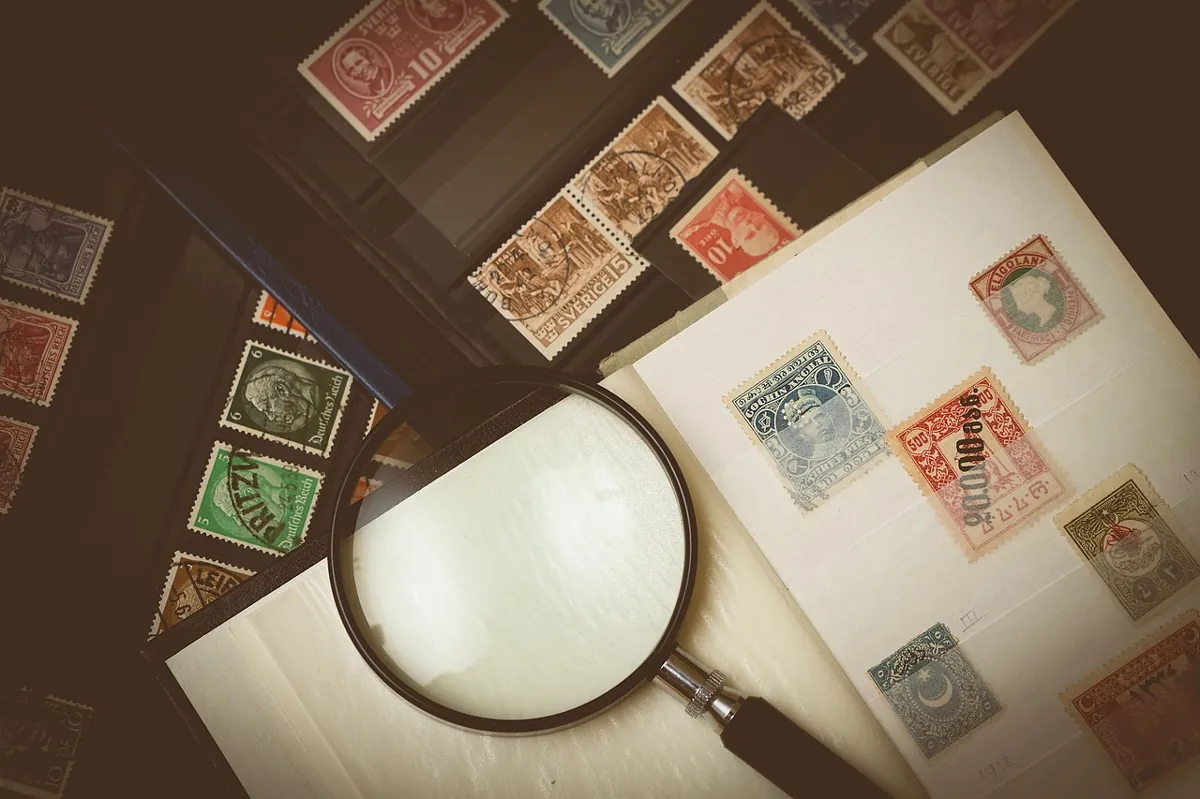 Collection
The story stays with the piece.
Where it was found, the dealer and the price are kept right with the piece, not on loose notes.
To Collection
 Finding items in the photo …7 items found – does that look right?

 Grandma's wedding ring
private until the day comes
for Jonas
 Piano
still open
—

 Ammonite
Jurassic · a find
€40–60

 OWNY