Published by Adrian Vogel · Reading time: approx. 3 minutes · Last updated: November 2026 · Jurisdiction: Germany
On Pia's kitchen table lies a bank statement with eleven yellow marks. Each mark is a direct debit that comes back every month or every year. For two of them she had to stop and think what she was actually paying for. One is a trade magazine that has been lying in the hallway, still in its plastic wrap, since she moved.
It started with something a colleague said over lunch: "With car insurance, the end of November is the cut-off." Pia drives a twelve-year-old estate car and has no idea when her contract ends. She does not necessarily want to cancel. She wants to know how long she has to decide.
Pia is made up; her story is an example.
Before you start: Guidance under German law, no legal advice. Whether you cancel or switch is your decision. OWNAMIC does not advise on insurance and does not cancel anything for you.
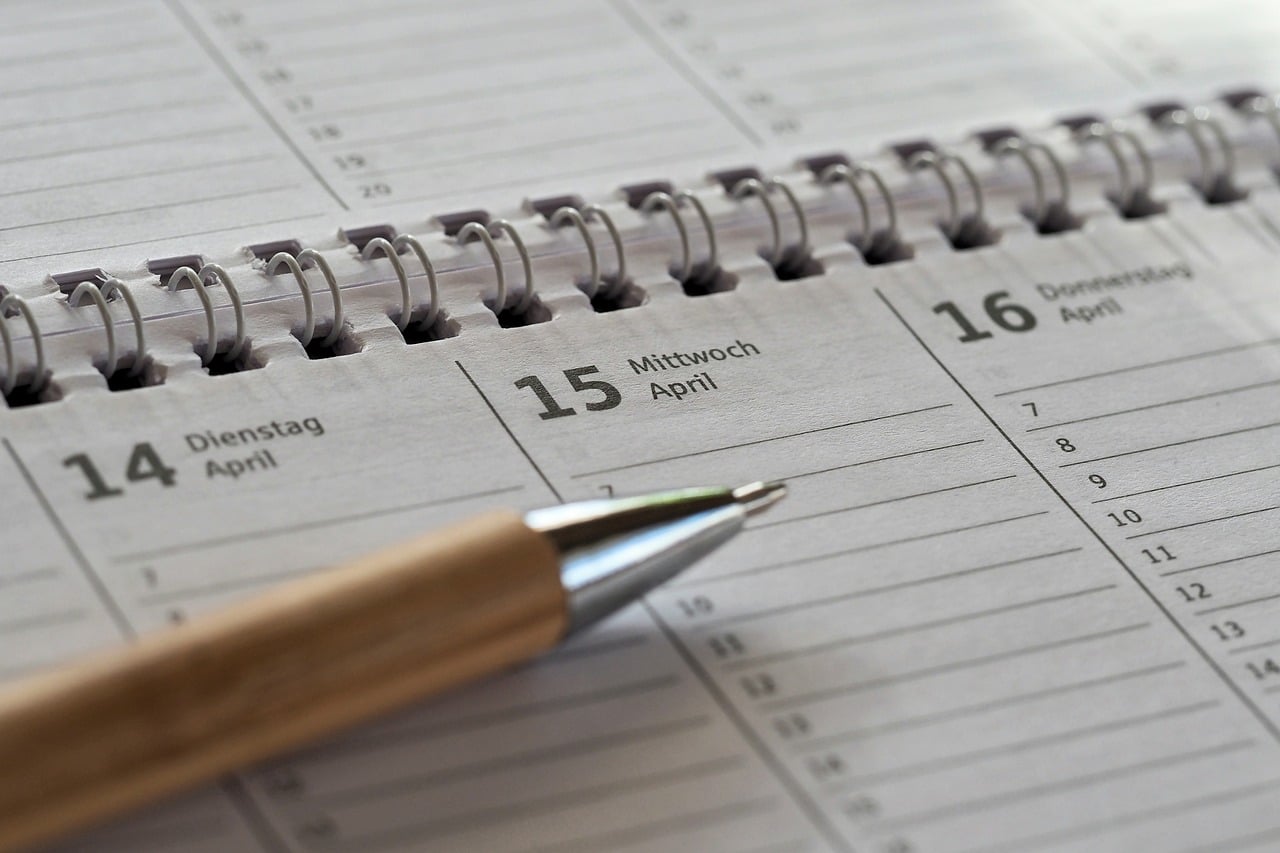
The colleague is right: 30 November is the cut-off
Many contracts run for a calendar year and end on 31 December. For car insurance the date this year is 30 November 2026, a Monday. According to ZDFheute the notice must have reached the insurer by then; the sending date is not enough. Some contracts have a different contract year, so Pia checks her documents.
Try it now
Free for 14 days, no payment details. All you need is your email address.
Registration is subject to our Terms and Conditions and Privacy Notice.
Pia counts backwards from the contract end
Her latest premium invoice says: contract ends 31 December, one month's notice. The notice period is the time that has to lie between notice and contract end. So you start at the last day of the contract and count back.
| Contract ends | Notice period | Notice must be there by |
|---|---|---|
| 31 December | 1 month | 30 November |
| 31 December | 3 months | 30 September |
| 28 February | 1 month | 31 January |
Better one day too many than too few, and allow time for the post if written form is required.
The magazine is easier. For subscriptions concluded on or after 1 March 2022, a renewal after the first term only runs for an indefinite period with at most one month's notice (section 309 no. 9 of the German Civil Code, BGB). If you can sign up online, you must also be able to cancel online, through a cancellation button (section 312k BGB). Insurance, rent and energy often have their own rules.
On Sunday evening, eleven marks become eleven contracts
Pia goes through her bank statements. Every recurring direct debit is a contract, the small ones too. Importing a statement as CSV or PDF would be quicker; you then confirm the suggestions. OWNAMIC is not connected to the bank. More on this in the household book.
In OWNAMIC she opens “Contracts & subscriptions”, taps “Add contract” and enters name, provider, amount and interval. To the car insurance she attaches the photo of the premium invoice and also writes the deadline into the note. Then she adds an event of the type “End of notice period”, dated 30 November: the last day the notice has to be with the insurer.
“Contracts & subscriptions” belongs to the Finances edition, which is being enabled step by step. Without it, you can still create the contract as an object with documents.
What the list shows, and what Pia has to do herself
The page shows every running contract with its cost per month and per year and its next notice deadline. For Pia, that is 186 euros a month in total. The small subscriptions are where you look more closely: nine euros a month is 108 euros a year.
In “Calendar & deadlines” the deadline guard groups upcoming dates: warranty, cancellation, appointment, follow-up financing. But it is only a display in the app and sends no e-mail and no push message. So Pia also puts the date into her phone calendar.
The car deadline is set, the magazine is cancelled
Her phone calendar now shows 23 November, one week before the cut-off. Until then Pia wants to compare two quotes and then decide whether to stay or switch. For next year the reminder is already in for early November, four weeks before the deadline.
She cancelled the trade magazine through the publisher's cancellation button. The confirmation is attached to the contract as a PDF. If the publisher later says nothing arrived, she has date and wording.
Read on: Financial planning with OWNAMIC · Finding receipts · The household book
Try it now
Free for 14 days, no payment details. All you need is your email address.
Registration is subject to our Terms and Conditions and Privacy Notice.
Sources
- ZDFheute: Switching car insurance, deadlines and benefits check (German): zdfheute.de
- German Civil Code section 309 no. 9 (term, renewal, notice period in standard terms): gesetze-im-internet.de
- German Civil Code section 312k (cancellation button): gesetze-im-internet.de