Published by Adrian Vogel · Reading time: approx. 7 minutes · Last updated: October 2026 · Jurisdiction: Germany
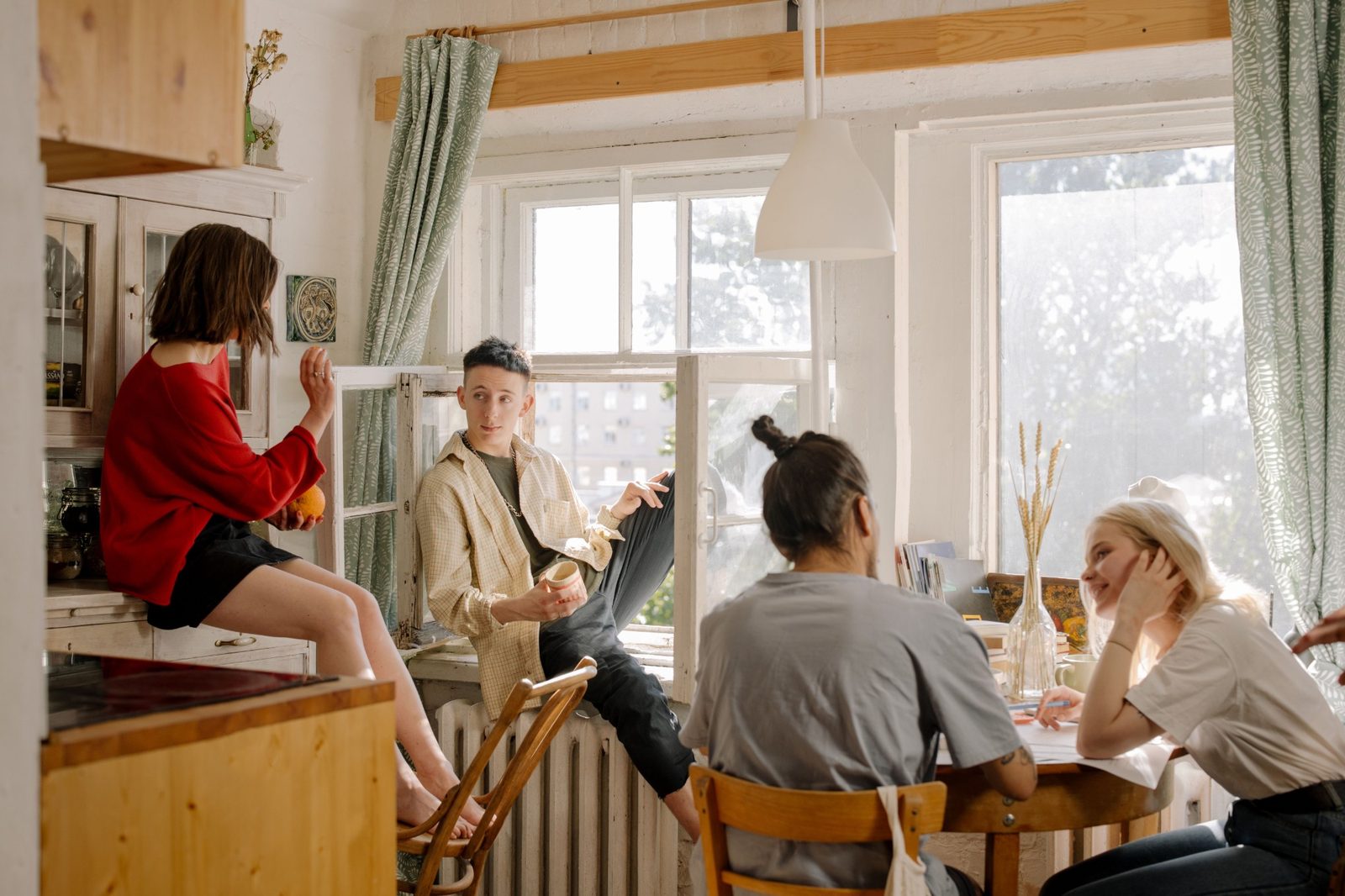
In the kitchen of the Chestnut Street flat there are three toasters. One only browns on one side, and nobody remembers who brought it. One evening in August, while the pasta is cooking, Lena tells the others she is moving to Leipzig in October. A new job. Jonas gets something to toast with out of the fridge, Mira congratulates her with the wooden spoon still in her hand.
Then Mira asks, quite practically: "And the washing machine?" They bought it together in March, for €540. Lena paid half, Jonas and Mira a quarter each; that much they remember. Only Lena has a rough idea where the receipt is. On the sofa, the hallway shelf and the good knife, memories differ. Jonas would like to keep the machine.
Lena, Jonas and Mira are made up; their story is an example.
Before you start: Guidance under German law, no legal advice. Nor is this insurance advice. What applies in your flatshare depends on your agreements, your tenancy agreement and your insurance. In a dispute, a tenants' association (Mieterverein), a consumer advice centre (Verbraucherzentrale) or a lawyer can help.
The washing machine belongs to all three, just not in equal parts
On the sofa, the law is not much help. It presumes that whoever has a movable item is its owner (section 1006 of the German Civil Code, BGB). But everyone sits on the living-room sofa.
The washing machine is clearer. People who buy together usually become co-owners in fractional shares (section 1008 BGB). Nobody owns a piece of the machine; each owns a share of the whole. This community has its own rules (sections 741 ff. BGB), and three of them matter in a flatshare:
- If in doubt, the shares are equal (section 742 BGB). That Lena paid half does not count automatically. So it should be written down somewhere.
- Repairs and running costs are borne according to the shares (section 748 BGB).
- Anyone can ask for the community to be ended (section 749 BGB). If the item cannot be divided, the law provides for a sale and splits the money (section 753 BGB).
Half a washing machine is no use to anyone. So on moving out, people usually agree on a buy-out: whoever keeps the machine pays the others their share.
At the kitchen table: three agreements before anyone records anything
That same evening, the three agree on three points.
Everyone needs their own OWNAMIC account, because objects always belong to one account.
A Shared Space holds at most five members, open invitations included. Three is fine.
And whoever stays creates the space. The creator cannot leave it or hand it over, only dissolve it. On Chestnut Street, that is Jonas.
Try it now
Free for 14 days, no payment details. All you need is your email address.
Registration is subject to our Terms and Conditions and Privacy Notice.
Step 1: Everyone records what belongs to them
Each of them works in their own account. That way receipts and prices stay private, and everyone ends up with a list for their own home contents insurance.
Mira taps Plus, Manual, Template, "Home". With Add your own she adds "My room", "Kitchen", "Bathroom", "Living room", "Cellar" and taps Create Structure. Then she goes room by room. What belongs to her but stands in the kitchen goes into "Kitchen".
Her laptop, bike and the sofa get Detail shots, up to five pictures, including the type plate with the serial number. She attaches the receipt with Upload File. The details are in the step-by-step home contents inventory guide.
Each of them has their own policy, since home contents insurance only covers the insured person's household. Under a joint flatshare contract, cover for the others can end when its holder moves out.
Step 2: Lena records the washing machine once, with the shares
This is the most important limit: OWNAMIC has no co-ownership. Every object has exactly one owner in the system, and there is no field for shares.
So one person records the joint purchase, not three, or the machine would count three times in every total. Lena does it, because she found the receipt in a folder. Purchase price and date go into their fields, the receipt in via Upload File. In the description she writes:
Joint purchase of the flat. Bought on 14 March 2026 for €540. Shares: Lena 50% (€270), Jonas 25% (€135), Mira 25% (€135). Receipt kept by Lena. Rule on moving out: whoever keeps the machine pays the others their share of its current value.
Every member of the space sees the description, amounts included, even without shared financial data. For joint purchases that is the point; private descriptions stay free of prices. The receipt itself only Lena sees: OWNAMIC never shows documents in a Shared Space.
Step 3: Jonas creates the space, and the toaster question is settled
Jonas creates a New space under Shared Spaces, "Chestnut Street flat". He leaves Include financial data off, so OWNAMIC removes purchase prices and estimates before anything is sent. He switches on Share status, so everyone sees whether something is lent out, sold or disposed of, and Share events too, for future repairs to the machine. OWNAMIC never shows attachments.
Under Contribute objects he picks Collection for kitchen and living room. His own room stays private.
Then he invites Lena and Mira by Email and pastes the ready-made message into the group chat with Copy message; OWNAMIC sends no email itself. The invitation is valid for 14 days and only opens for the invited account. Lena and Mira tap Accept and then Contribute your objects.
Now every object shows who contributed it. The one-sided toaster turns up under Lena. Question settled, the same for everyone.
What others see of an object, each person decides via Display settings. Financial data, by contrast, applies to the whole space. For prices on joint purchases only, write them into the description as Lena did, or create a second space, "Flat kitty", with financial data. An object can be in several spaces.
Step 4: In early September the three go through the list
Half an hour at the kitchen table, object by object. The sofa and the hallway shelf are Mira's, the good knife was Lena's.
Whatever is Lena's goes with her. Anyone who wants a record adds a Location Change on the object via Add Event, for example "To the new flat".
That leaves the washing machine. As a guide to its current value, Lena uses Re-estimate with the valuation type "Market observation" to get a non-binding estimate from observed second-hand prices. That uses AI credit and remains guidance, not an appraisal. The amount they agree on is up to them.
As the owner in the system, Lena taps Transfer object, enters the Recipient's email, confirms that all files go along and taps Request transfer, then passes the link to Jonas. Only when he accepts does the machine change hands, with images, files, events and estimates. An accepted transfer cannot be undone. A confirmed email address is required.
Then Jonas records the buy-out: Add Event, Bought, amount and date under "What did you pay?", named "Buy-out to Lena (50%)". The quantity stays at "No quantity", so the stock does not change. Via Have this confirmed by a third party and Create signing link, a link goes to Lena. She confirms with a code sent by email, and the entry is sealed. This is a simple electronic signature: it shows that Lena's address confirmed exactly this entry, not that it is legally correct.
Why not record "Sold" with Lena first? Events move with a transfer, and the machine would show as sold in the space. And if one person pays out several flatmates, each gets their own event, because only one person can sign each.
On 30 September Lena's last box is in the hallway
The washing machine now belongs to Jonas in the system. The receipt and photos moved to him with the transfer. The buy-out of €225 is recorded on the object as "Bought", confirmed by Lena with a code, and the description reads: "Since 30 September 2026 Jonas (75%) and Mira (25%), buy-out paid to Lena."
The knife and the toaster have moved to Leipzig. Lena taps Leave in the Shared Spaces overview. What she contributed disappears from the space and stays in her account. Had she created the space, she could only have dissolved it.
What OWNAMIC shows is who recorded and contributed an object. That is a pointer, not proof of ownership, and buy-outs or deposits you pay yourselves. When the new flatmate moves in, Jonas will invite her.
The German in-app help on Shared Spaces shows it all in a 4-minute video, "Werkzeug unter Nachbarn" (Help & Explain).
Read on: Sharing is Caring – When Ownership Concerns More Than One Person · Lending expensive gear among friends · Home contents inventory step by step
Try it now
Free for 14 days, no payment details. All you need is your email address.
Registration is subject to our Terms and Conditions and Privacy Notice.
Sources
- Section 742 BGB (equal shares if in doubt, German): gesetze-im-internet.de
- Section 748 BGB (bearing of charges and costs, German): gesetze-im-internet.de
- Section 749 BGB (claim to end the community, German): gesetze-im-internet.de
- Section 753 BGB (division by sale, German): gesetze-im-internet.de
- Section 1006 BGB (presumption of ownership for the possessor, German): gesetze-im-internet.de
- Section 1008 BGB (co-ownership in fractional shares, German): gesetze-im-internet.de
- Berliner Mieterverein: Info 97, flatshares and unmarried couples (German): berliner-mieterverein.de
- R+V: Taking over a fitted kitchen from the previous tenant (current value, buy-out; German): ruv.de
- Transparent Beraten: Home contents insurance for flatshares (joint contract, moving out; German): transparent-beraten.de
- Allianz: Home contents insurance for flatshares (German): allianz.de