Published by Adrian Vogel · Reading time: approx. 4 minutes · Last updated: November 2026
Volker owns four spirit levels. He has known since Saturday, when the neighbour from number 12 rang the bell and asked whether she could borrow his drill. He searched every shelf in the garage. On the way he counted the spirit levels, found two opened packs of 8 mm masonry bits and a mitre saw whose manual is missing. Not the drill.
That evening, over the washing-up, it comes back to him: his brother-in-law has had it since Easter, for the garden shed. “I lend out more than I know,” says Volker, “and I buy twice what I can’t find.”
Volker is made up; his story is an example.
Before we start: Notes on guarantees and warranties are general information, not legal advice. What applies to your device is in the manufacturer's documents and the sales contract.
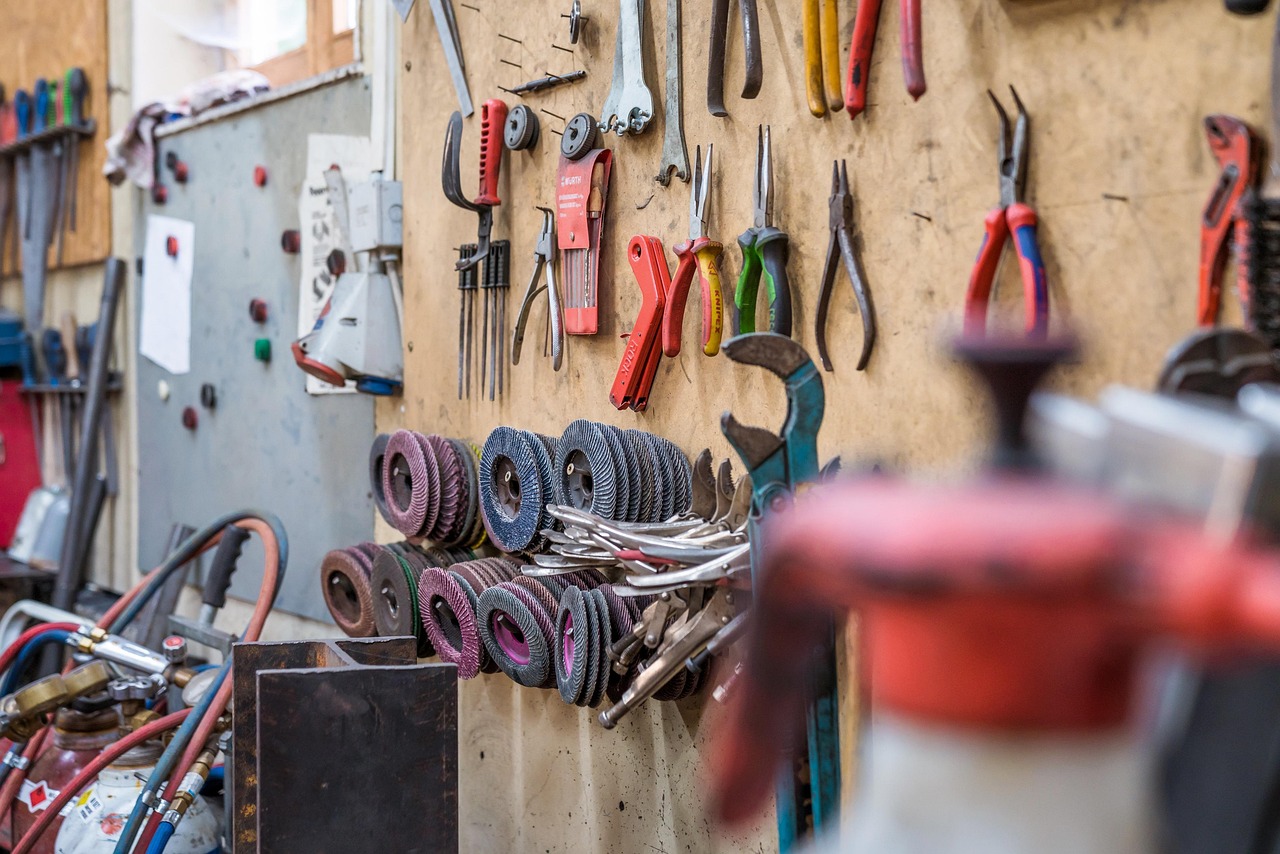
Volker sets up the places first
With pen and paper Volker walks through garage and basement and writes down where tools lie: workbench, left shelf, right shelf, wall rack, box electrical, box garden.
OWNAMIC organises things by their place. Each place becomes a collection of its own in the inventory list under Collections, a box an object with contents (Plus, Record without photo, type Collection). Start like this and the search later finds not only the pliers but also the box they are in. The page Record your tools shows the same route.
Try it now
Free for 14 days, no payment details. All you need is your email address.
Registration is subject to our Terms and Conditions and Privacy Notice.
On one photo OWNY recognises 19 items
For shelves full of small parts the photo series beats a video: Plus, Photo/Video, Photo series, up to five pictures, tier by tier, head-on and well lit. Volker lays bits and pliers side by side on the workbench, so OWNY, the AI assistant, recognises them individually.
On a good photo of a tool shelf OWNY recognises 15 to 25 items; on Volker's left shelf it is 19. It proposes the four spirit levels as four entries, and Volker turns them into one with quantity 4. He names the packs of bits “drill bit, concrete, 8 mm”, the way he would search for them in the DIY store.
Each recognised item costs one point, five with market research. Events, labels and signatures cost nothing.
The type plate gives the serial number
For every power tool Volker takes Detail shots: first the device, then the type plate, close enough that every digit is legible. OWNY reads brand, model and serial number, but takes them over only where they are legible. It never guesses.
The manufacturer asks for the serial number in a warranty case, and it belongs on any list for your insurer. Volker checks the fields and also enters the model number as a tag. The search checks name, description and tags, not the model field.
Receipt and manual go on the device
Volker downloads the mitre saw's manual from the manufacturer as a PDF and files it on the device: Upload file, Or choose the type yourself, Authenticity & instructions, User manual. When an error code appears on the display later, he asks OWNY in the chat for the passage in the manual (with PDFs that contain real text). More on this: Manuals on the device.
He photographs the till receipt. OWNY assigns it to the device and derives the warranty period, visible in the deadline watch. If a manufacturer's guarantee runs longer, he enters it as the event “Guarantee end”.
The drill gets a label and an event
For everything that leaves the house Volker prints a sticker sheet with QR labels: cordless screwdriver, rotary hammer, hedge trimmer, ladder. Whoever scans a label lands on the page “Found?” and can write to him. OWNAMIC forwards the message by e-mail; his address stays hidden. Not theft protection, but a way for a ladder to find its way back from the neighbour's plot.
Once the drill is back from his brother-in-law, the neighbour borrows it for the weekend. Volker adds an event “Lent”, with her name and return on Monday, and taps Create signature link. She gets an e-mail with a code, confirms at the garden fence on her phone without an account of her own, and receives the copy as a PDF. On return he adds “Returned”. The return date is in the calendar; there is no reminder by e-mail. What such a simple electronic signature is, is explained in Like a service booklet, but for all your valuables.
Three weeks later in the DIY store
It took Volker two evenings: seven places, 64 entries, a little over 80 points.
Then he is standing in front of the drill bits and types “concrete 8” into the search field: two packs, Garage › Left shelf. He does not take a third. OWNAMIC does not warn about duplicate purchases; checking the search is his habit. And whether he wants a signature next time he lends something out is his call, depending on the tool and the person.
Read on: Avoiding duplicate purchases · Lending expensive gear
Try it now
Free for 14 days, no payment details. All you need is your email address.
Registration is subject to our Terms and Conditions and Privacy Notice.