Published by Adrian Vogel · Reading time: approx. 7 minutes · Last updated: October 2026
There are 23 yellow notes stuck to Wolfgang's cellar shelves. Most of them say "Henrik?", question mark included. He put them up three years ago, on the workbench, the toolbox, the crate of model railway track. By now the corners are curling, two are lying on the floor, and nobody is quite sure which piece they belonged to.
Wolfgang is 71, a trained carpenter, and in no hurry with the cellar, but he does have a plan: he wants to decide for himself what stays, while he still enjoys carrying the boxes up the stairs. When his son Henrik visited in September, he asked: "Dad, which of this do you actually want to get rid of?" Wolfgang had no answer. He did not even know where to start.
Wolfgang and Henrik are made up; their story is an example.
Before you start: This guide is not legal advice. What you note in OWNAMIC under "Intended for" is a personal wish, not a will. If you want to settle something in a binding way, you need a will in the form the law requires where you live; in Germany, for example, a handwritten will must be written and signed entirely in your own hand (Section 2247 BGB). A notary or a lawyer specialising in inheritance law can help. An AI estimate is not an appraisal.
Why it is worth deciding during your lifetime is covered in Döstädning. This one is about the how, in Wolfgang's cellar.
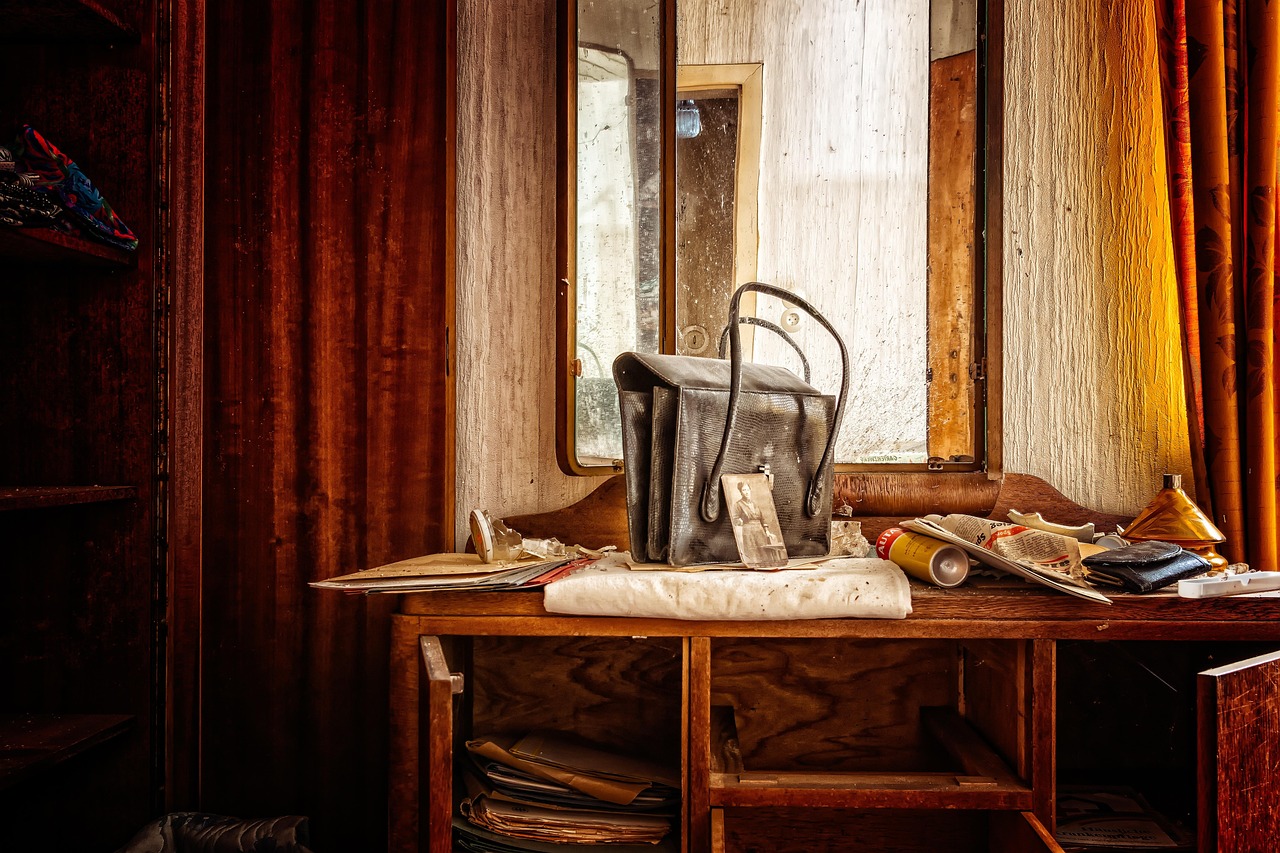
One phone call replaces 21 notes
Wolfgang rings Henrik rather than waiting for the next visit. That is the first piece of advice from Margareta Magnusson's book, which made döstädning known: talk openly with your family, and hand over what someone would like while you can both enjoy it.
The call takes twenty minutes. Henrik would like the workbench and the toolbox. Not the model railway, not the beer steins, and certainly not the three crates of trade magazines. Of the 23 notes, two names are left.
Then the two of them settle the order. Magnusson advises starting with big items and big groups such as furniture and clothing. Photos and letters come last, because if you start with them you end up remembering instead of sorting. So: cellar, attic and garage first, then wardrobe and living areas. Plan in weeks and months, roughly one room per weekend.
Step 1: Set up Order & Legacy
OWNAMIC has its own edition for this method: Order & Legacy. New accounts choose it when they first start; existing accounts switch through the edition button in the header.
- Choose Create my structure (later you will find the same route via Plus → Template).
- In the template wizard, Order & Legacy and Home are ticked. Next.
- Order & Legacy comes with the three collections Keep, Sell or give away and Discard. Leave them as they are.
- For Home, use Add your own to add Cellar and Attic. Rooms belong in your home, not below the three piles: OWNAMIC does not offer anything placed there for sorting.
- Create Structure.
Try it now
Free for 14 days, no payment details. All you need is your email address.
Registration is subject to our Terms and Conditions and Privacy Notice.
Step 2: Start in the cellar and record the big items
You can only sort what you have recorded. Wolfgang taps Plus and Photo/Video.
For the whole room he uses Video capture and pans slowly across the cellar. OWNY analyses the first 30 seconds and takes up to 24 frames from them. For the shelves he uses Photo series, up to five pictures with many objects, one photo per shelf. After Analyze, OWNY lists the finds, say 47. Wolfgang deletes six because they are shelf boards. Then he chooses the Cellar room as the destination and taps Save.
Manual entries use no AI credit. Recognised objects cost one point per object, five with market research. The pricing page shows how much credit your plan includes.
Step 3: Sort one thing at a time
The start page now shows the card Next up in Cellar, with a photo, the name and how many things are still open.
On a phone you swipe: left to keep, up to sell or give away, right to discard. Not sure yet, later moves a thing to the back. Nothing leaves its place: the toolbox stays in the cellar and is also listed on a pile. You can undo any decision under Order & Legacy collections.
For each piece, Magnusson's guiding question helps: "Will anyone I know be happier if I save this?"
Below the card is the field Intended for. On the workbench and the toolbox it now says "Henrik", no question mark. Underneath, OWNAMIC shows: A personal wish, not a will. What someone would like now, you can pass on with Transfer to someone. You get a link that you send yourself. Only when the person accepts does the thing change hands, with its images, files, events and estimates. An accepted transfer cannot be undone.
Step 4: Sell, give away, discard and record it
Under Order & Legacy collections, every thing in the middle pile has Sold, Gifted, Donated and Transfer to someone next to it. For a sale you enter the price; the date is set to today, done.
In the Discard pile, Add pick-up date creates an appointment for a bulky waste collection or a trip to the recycling centre. In Germany, municipal collection points take electrical appliances without a fee, and large retailers take back small devices under 25 cm even if you buy nothing new (ElektroG). Rules differ between local authorities.
Above the piles is the Letting-go balance. It counts what has gone, split into Sold, Gifted, Donated and Disposed, plus the Total proceeds. After his second weekend, Wolfgang's balance shows a 9 under Let go. The cellar looks exactly as it did. The number says otherwise.
Step 5: What stays gets a story
For what stays there is the page What matters to me. With the filter Without a story you go through the pieces and write two or three sentences under Its story: where it comes from, from whom, for what occasion, what it means to you.
Some things are easier to tell than to write. On the object, under Audio Messages, tap Record Audio. For the workbench Wolfgang records just under a minute: that he bought it second-hand in 1972 as an apprentice, for 180 marks, and that the notch in the front vice comes from Henrik's first bird box. He would never have written that down.
Step 6: Photos, letters and the throw-away box come last
Now the memories. Magnusson suggests thinning out photos: digitise the important ones and give the prints to your family. In OWNAMIC you record an album as one object, for example "Photo album Italy 1978", upload a few scans and write under Description who is in the pictures.
Then the throw-away box: a box about the size of a shoebox for what only means something to you, labelled so that your family can dispose of it later without opening it. Wolfgang records only the box: Plus → Manual, the name "Throw-away box", a photo and where it is, sorted into Keep. Under Its story he writes: "Please dispose of this unopened." That way the family knows the box exists and what he wishes.
Step 7: Bring in the family
Under Shared Spaces, Wolfgang creates a space with New space. He switches on Share “Intended for” and Share voice messages, adds "Keep" and the cellar, invites Henrik by email and sends the copied message himself. Contributed objects remain his; members can only read. Documents and receipts are shown only if he releases them for his contribution; the object history never is. How families use such a space is described in Sharing is Caring.
The space does not show the stories from "What matters to me". Those are in the collection file: open the Keep collection, Export → This object and all descendants → Export as PDF, type Collection file. A cover page names every piece and what is still missing for each; then each piece follows with its story and "Intended for".
Where Wolfgang stands three months on
The yellow notes are gone. The letting-go balance shows, for example, 31 things let go, 12 of them sold for €340 in total proceeds, the rest gifted, donated or taken to the recycling centre. A club from the next village collected the model railway.
The workbench is still in the cellar, "Intended for: Henrik", with a voice message. Henrik plans to fetch it in the spring, when he moves. The collection file with the first 14 pieces is printed and filed with Wolfgang's papers, and Henrik can see in the shared space what gets added.
Wolfgang has not started on the attic yet. What should one day be binding, he wants to settle with a notary.
Read on: Why Letting Go Is So Hard · Let go with a clear conscience · Record who is meant to get what
Try it now
Free for 14 days, no payment details. All you need is your email address.
Registration is subject to our Terms and Conditions and Privacy Notice.
Sources
- Margareta Magnusson: The Gentle Art of Swedish Death Cleaning (2017), the author's book page: margaretamagnusson.com
- Wikipedia: Schwedische Todesreinigung (term, book, reception; German): de.wikipedia.org
- Scripps News: Swedish death cleaning – start with big items and clothing, not photos: wmar2news.com
- Shelf Awareness: book review (digitise photos and letters, give the prints to family): shelf-awareness.com
- SuperSummary: summary of the book (throw-away box): supersummary.com
- Fox News: Swedish death cleaning (the question "Will anyone be happier if I save this?"): foxnews.com
- Stiftung Warentest: FAQ on electrical waste – how to dispose of old appliances correctly (German): test.de
- Section 2247 of the German Civil Code (BGB), handwritten will (German): gesetze-im-internet.de