Collection
Your collection, documented instead of assumed.
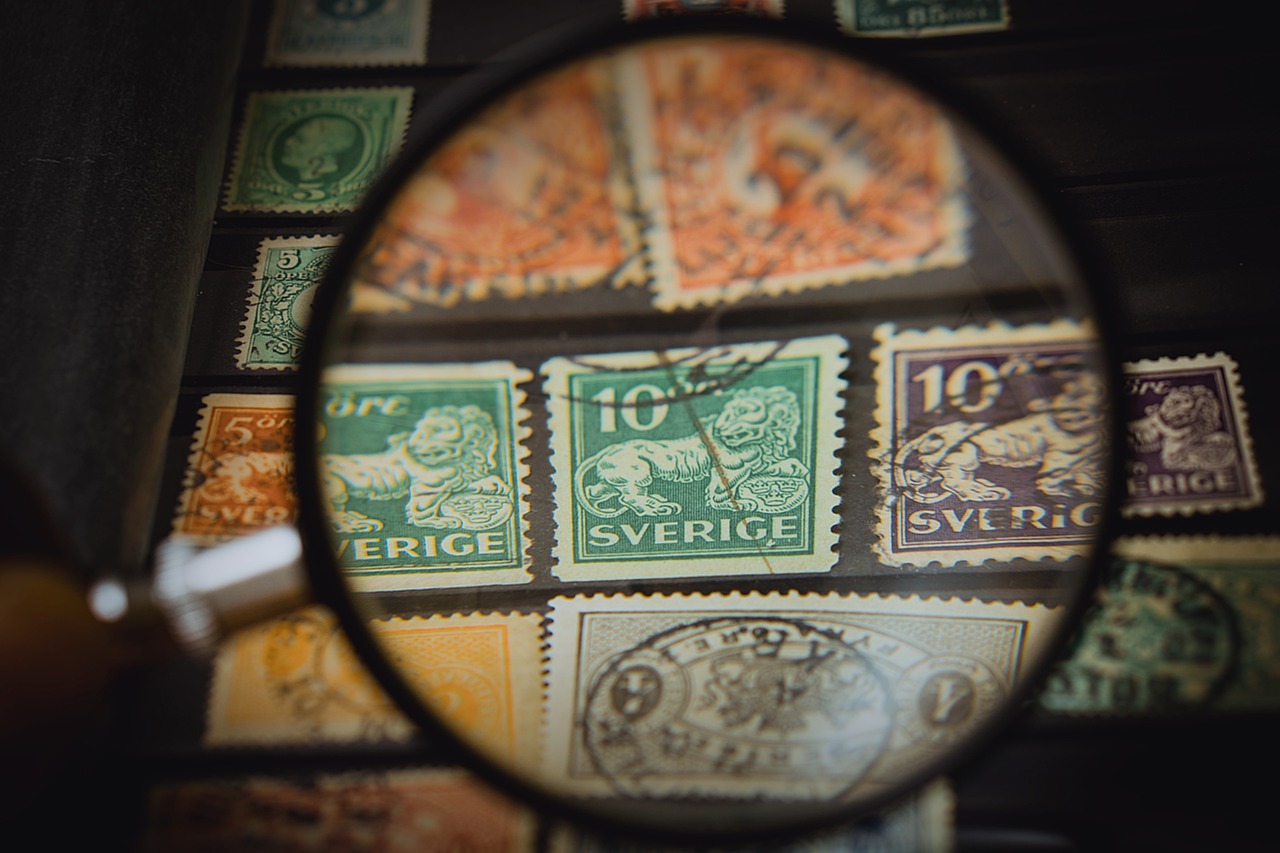
Finding Out What Stamps Are Worth: From Catalogue Value to an Honest Range
What are old stamps worth? Why the catalogue value is not a price, the four features that matter on every stamp, what a photo shows and when an expertiser helps. With a tool to try.
Read more arrow_forward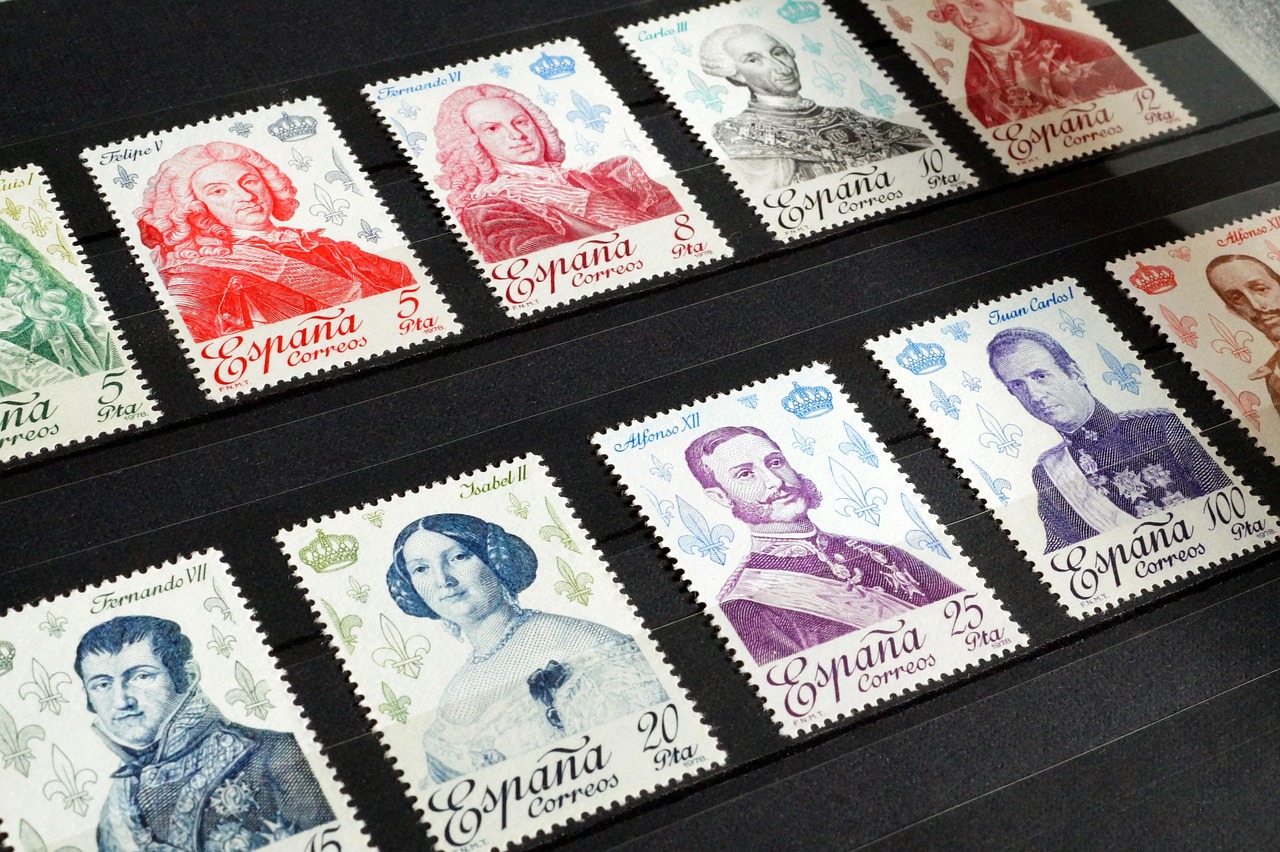
Organising a Stamp Collection: Collecting Area, Stockbook and the Gaps in View
A stamp collection grows faster than your overview of it. How to choose a collecting area, decide between a stockbook and a printed album, store your stamps gently and see gaps and duplicates on your phone. With a tool to try.
Read more arrow_forward
Finding Out What Things Are Worth: Step by Step with OWNAMIC
What is a piece really worth? Sold prices instead of listings, dealer buying prices, auctions, precious metal, appraisers and the AI estimate in OWNAMIC.
Read more arrow_forward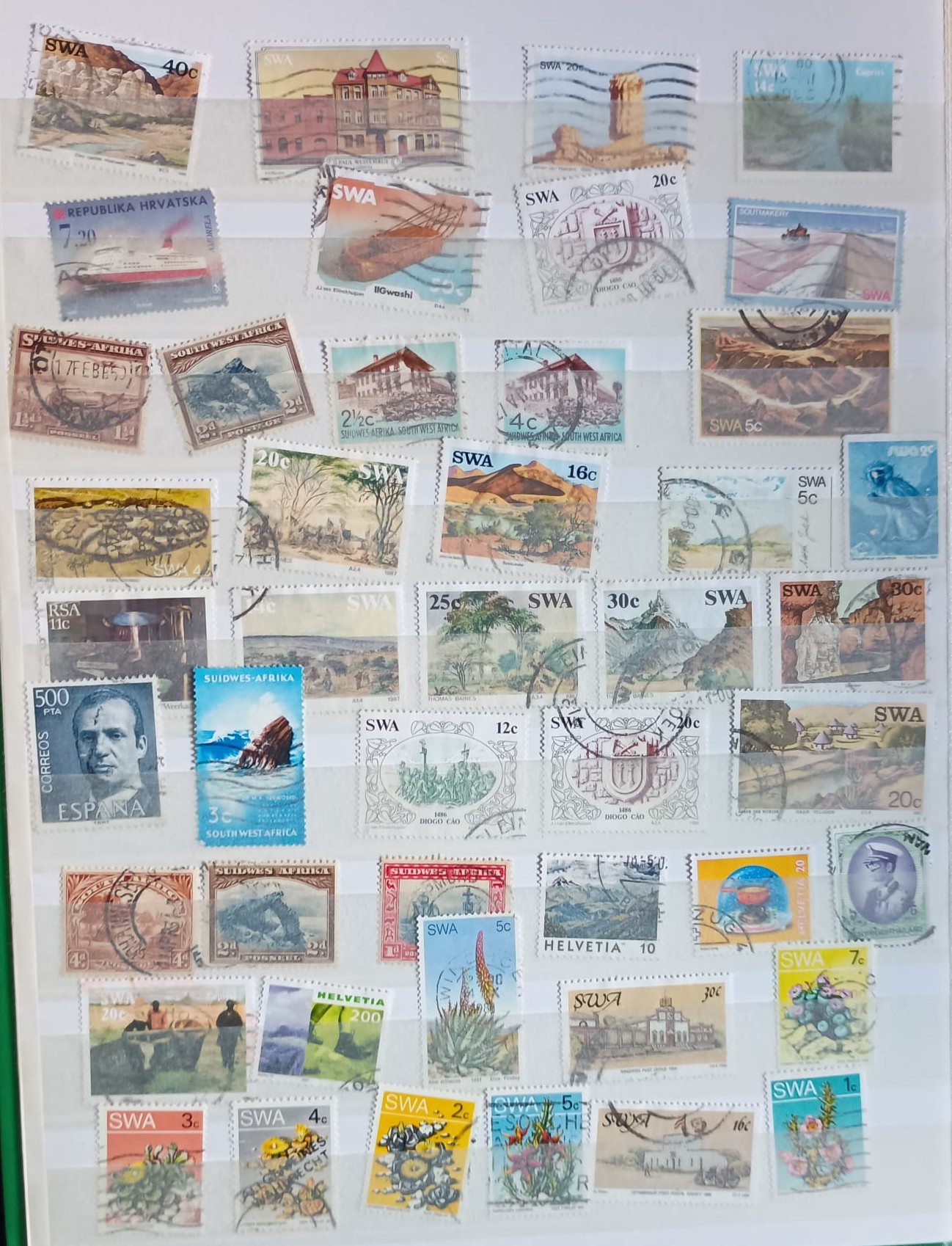
Digitise a Collection: Step by Step with OWNAMIC
Record coins, stamps, records or minerals digitally: structure, photos of both sides, catalogue numbers, grades, provenance and a file for your family.
Read more arrow_forward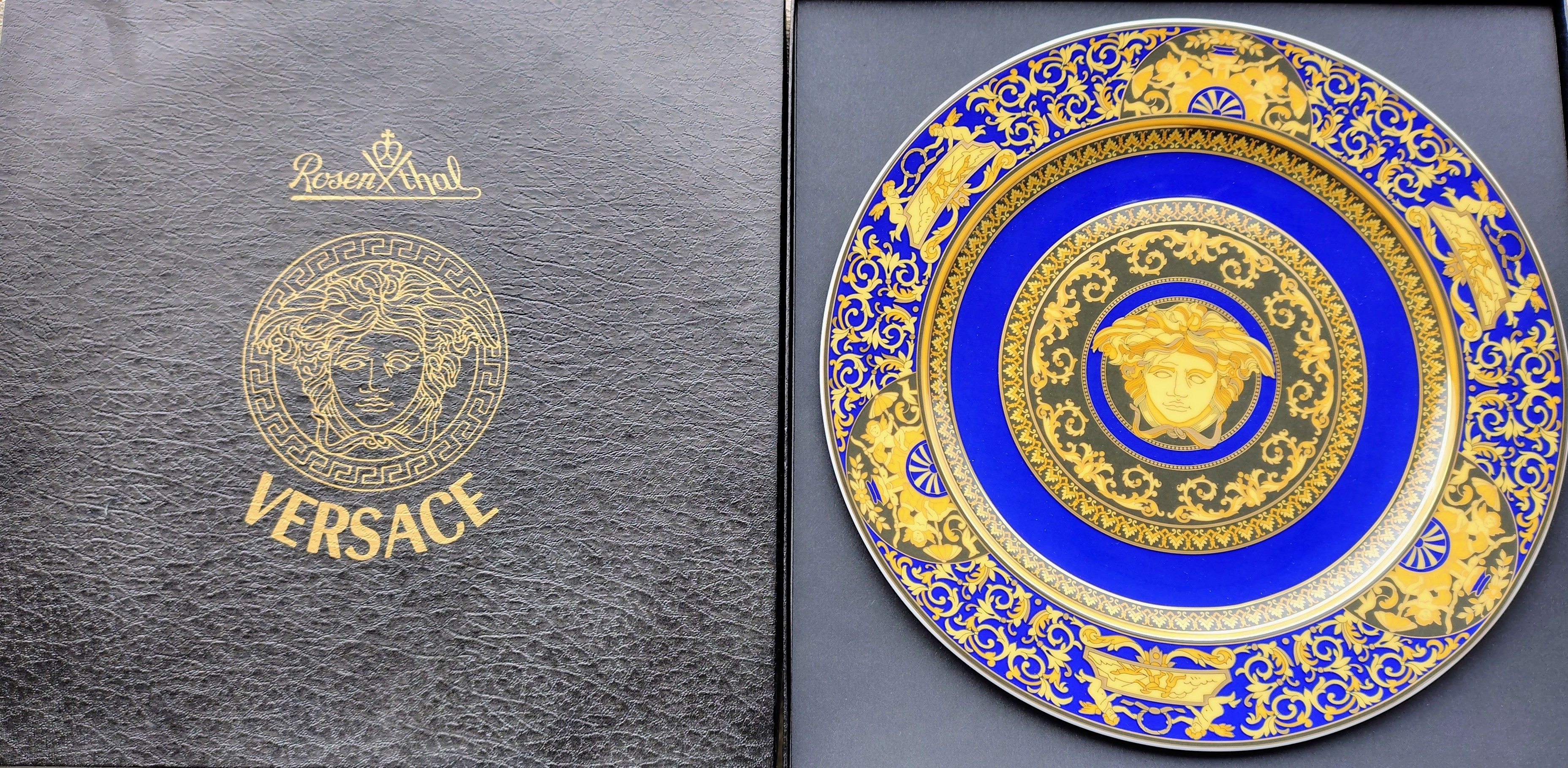
Session 2: What survived two decades in the cupboard
Part 2 of my sessions with my mother: how forgotten porcelain from the cupboard turned into a small discovery – and why documenting preserves more than just value.
Read more arrow_forward
Value Loss Without Papers: Why Documentation Decides the Price
An invoice, a certificate and a provenance help carry the price, often measurably. What papers do for private owners and why dealers deduct without them, with figures and evidence levels.
Read more arrow_forward