Order & Legacy
Keep what matters. Pass on the rest in good hands.
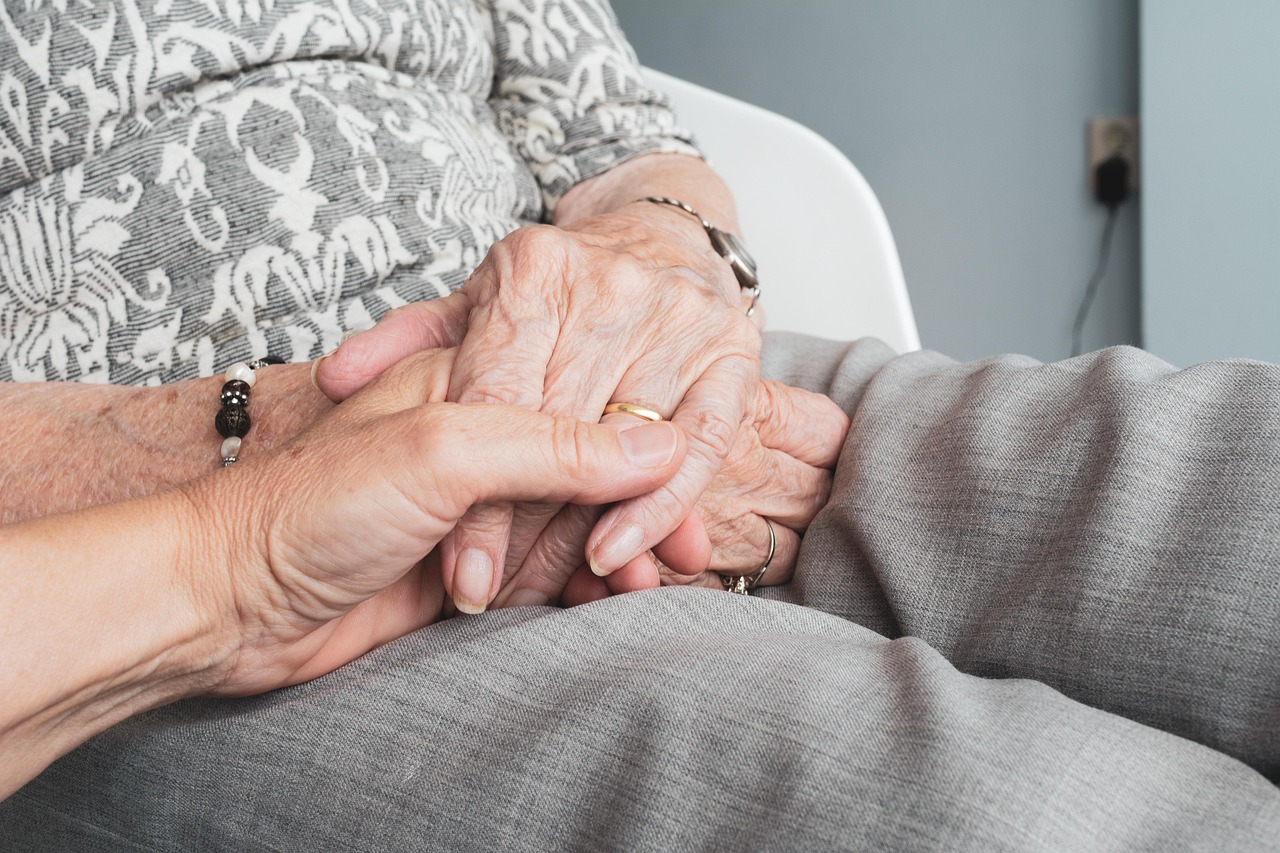
Germany's Care Reform 2027: What Changes for Families
Germany's long-term care reform for 2027 has not been passed yet, but the draft is on the table. Higher thresholds for care grades, budgets instead of care allowance, no relief amount at care grade 1, a higher contribution for people without children. What is planned, what already applies and which papers families can keep at hand now.
Read more arrow_forward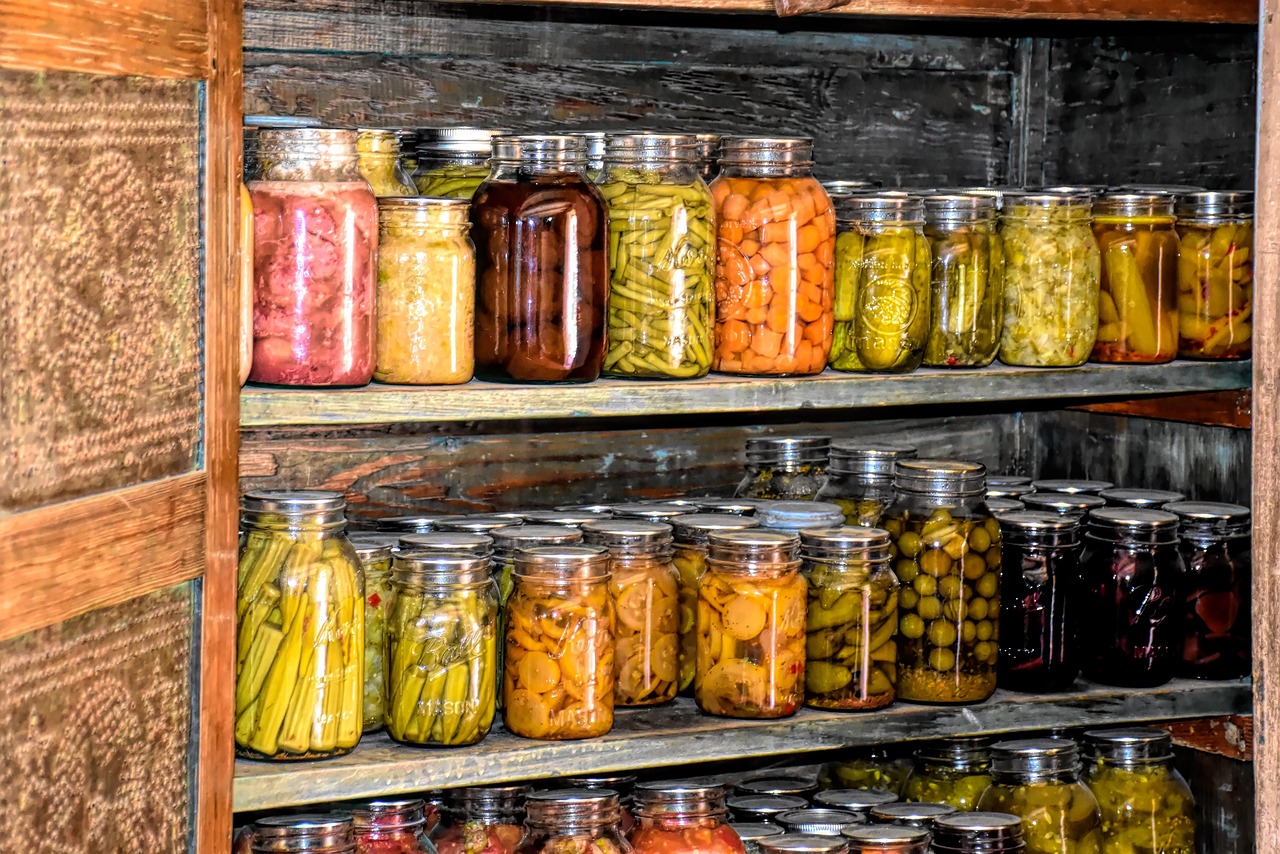
Declutter the Basement: Film Shelf by Shelf, Sort, Label the Boxes
The way to go about full basements, attics and garages: record it shelf by shelf by video, confirm the finds, sort with a swipe, label boxes with QR stickers, log what leaves.
Read more arrow_forward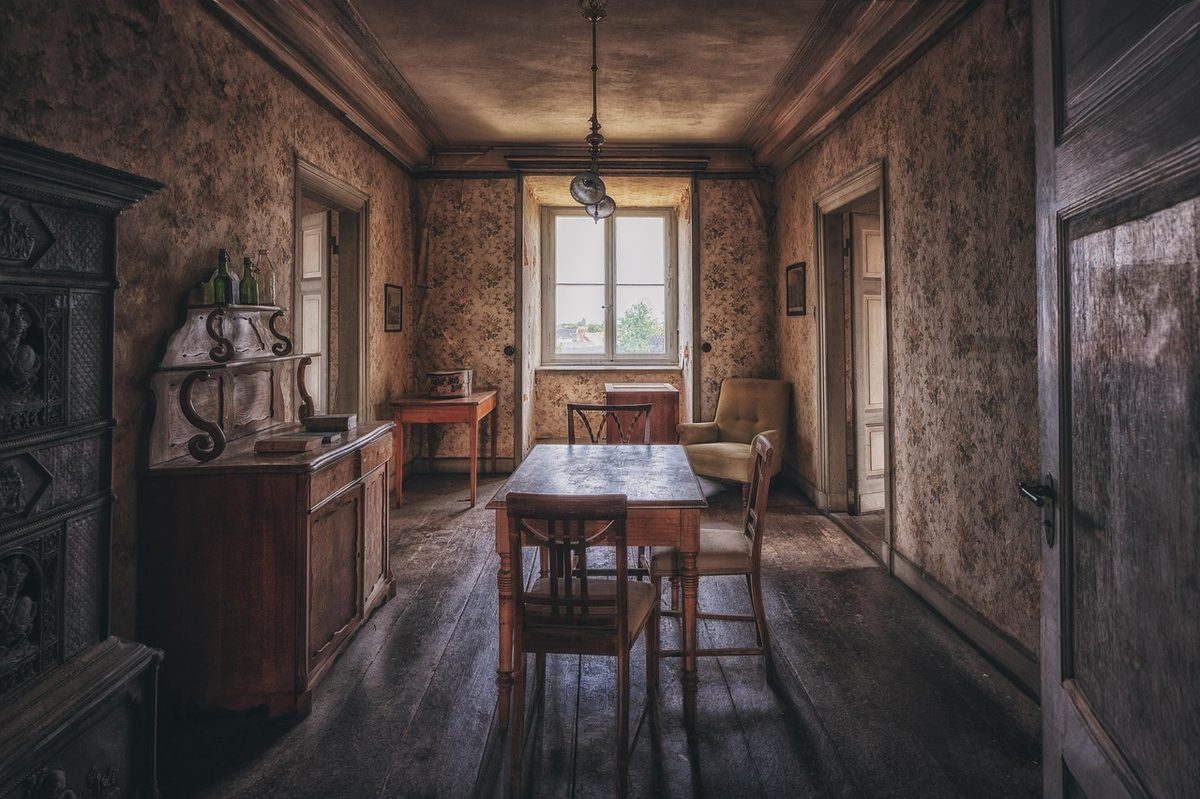
Disclaiming an inheritance: what happens to the household contents?
Thinking about disclaiming an inheritance in Germany? How much time you have, what you may do until you decide – and what then happens to the furniture, the car and the keepsakes. With a deadline calculator to try.
Read more arrow_forward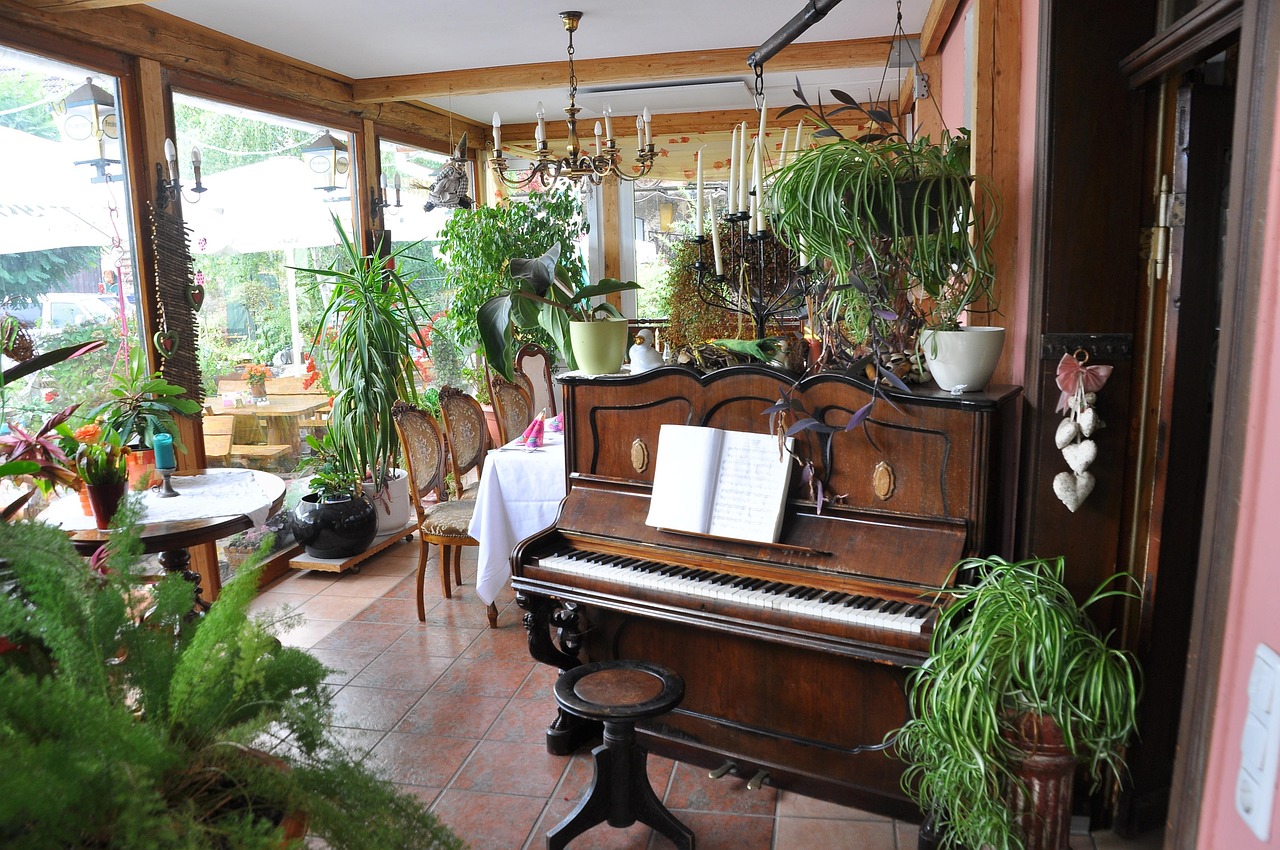
Clearing Your Parents' Home with Your Siblings: Step by Step with OWNAMIC
Record your parents' belongings together, collect wishes, agree on values, share fairly and sell, donate or discard the rest. Told through three siblings, step by step.
Read more arrow_forward
Getting Organised with OWNAMIC: A Place for Everything, Step by Step
Home, rooms, shelves, boxes: how to build an order in OWNAMIC where everything has a place. You label boxes with a QR code and find anything again in seconds.
Read more arrow_forward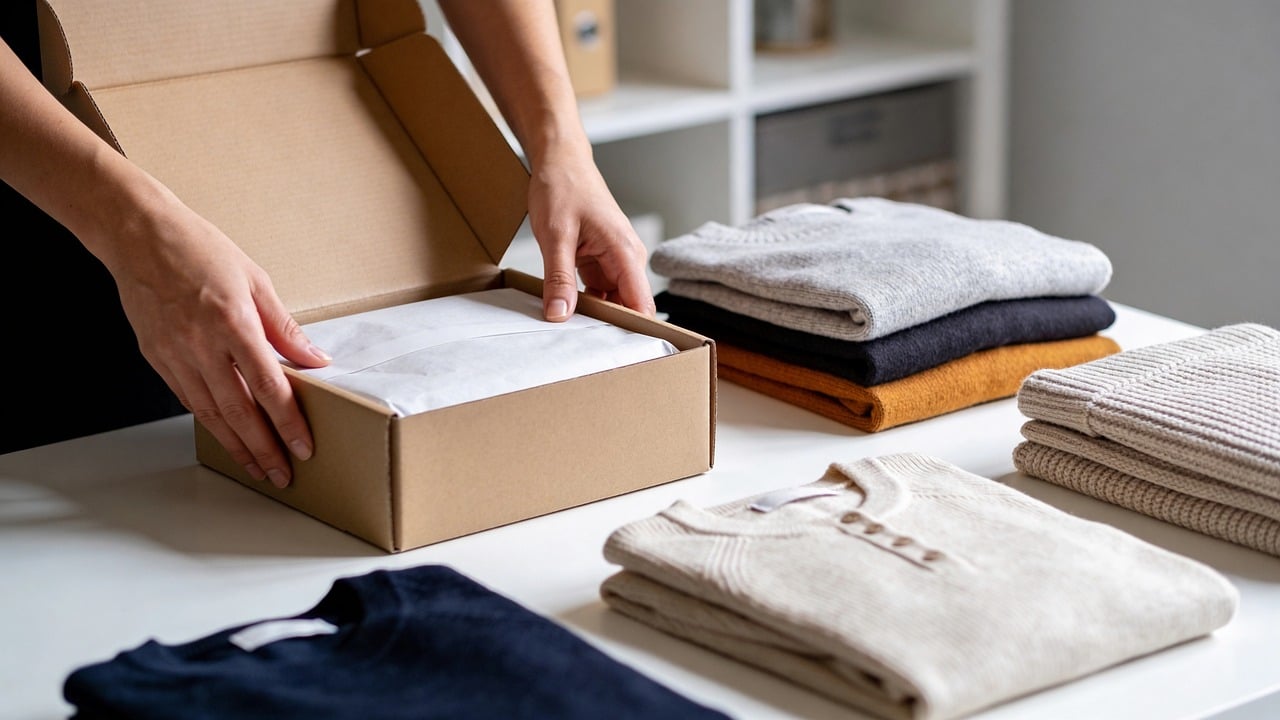
Decluttering Room by Room: Step by Step with OWNAMIC
Decluttering to click along with: record a room, then keep, sell, give away or discard. Hand in e-waste and old clothes correctly in Germany and take stock.
Read more arrow_forward
Swedish Death Cleaning Step by Step: Putting Döstädning into Practice with OWNAMIC
Swedish death cleaning to click along with: start with the cellar and big items, sort into three piles, note who things are for and bring in your family.
Read more arrow_forward
Minimalism with OWNAMIC: Owning Less, Step by Step
Minimalism to click along with: count what you own, see its estimated value, cut back with the 30-day game, Project 333 or the 90/90 rule, and question new purchases.
Read more arrow_forward
Declutter for winter
Before the heavy coats go back on the hooks: how to get your wardrobe ready for winter – with three piles, one question per piece and no guilty conscience. Try it right here in the post.
Read more arrow_forward
Why Letting Go Is So Hard – and What Actually Helps
Why is letting go so hard? The endowment effect, the mug experiment and the ostrich effect – and what really helps when you finally clear things out.
Read more arrow_forward
Döstädning
The Swedish art of letting go – why the price is only half the question, and how to record the meaning while you can still tell it yourself
Read more arrow_forward
Sharing is Caring – When Ownership Concerns More Than One Person
Shared Spaces in OWNAMIC give communities of heirs, families and neighbourhoods the same picture of their things – without loss of control and without anyone's numbers on display. Loans can be confirmed with a simple electronic signature.
Read more arrow_forward