Home & Inventory
Do you know what you own?
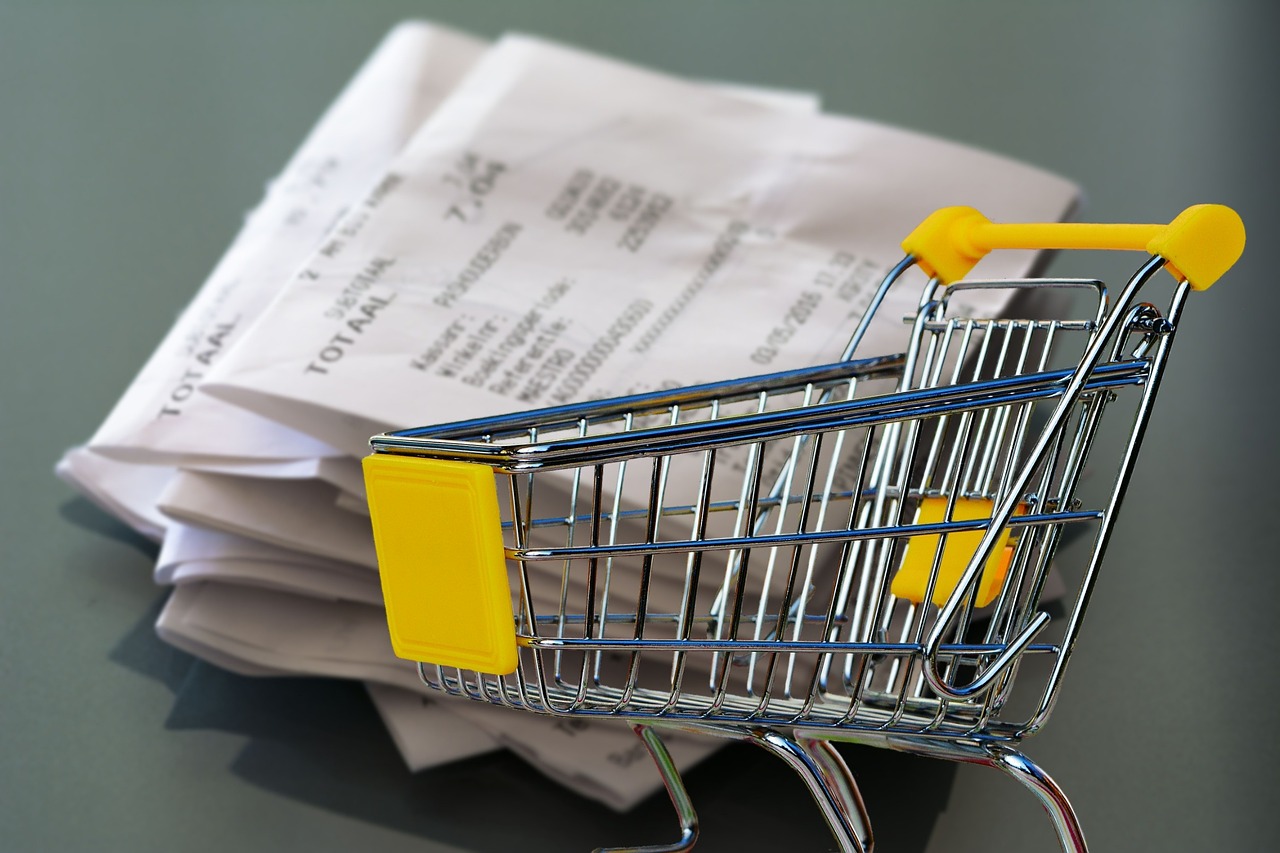
Black Friday: What Nobody Tells You About Receipts
On Black Friday the receipt matters as much as the price. Why the crossed-out price tells you little, when the return period starts online, why till receipts fade, whether a photo is enough and what the receipt has to do with statutory warranty and guarantees in Germany.
Read more arrow_forward
How Long to Keep Bank Statements in Germany: What Can Go and What Stays
How long should you keep bank statements in Germany? Private individuals usually have no duty, three years is the common advice. Which statements stay longer and how to find them again.
Read more arrow_forward
Statutory Warranty vs Guarantee: Who Is Liable, for How Long, and What You Need
The statutory warranty is the shop's duty, a guarantee is a voluntary promise from the manufacturer. How to tell which route is easier after 15 months, and how to keep both deadlines in view. With a calculator to try.
Read more arrow_forward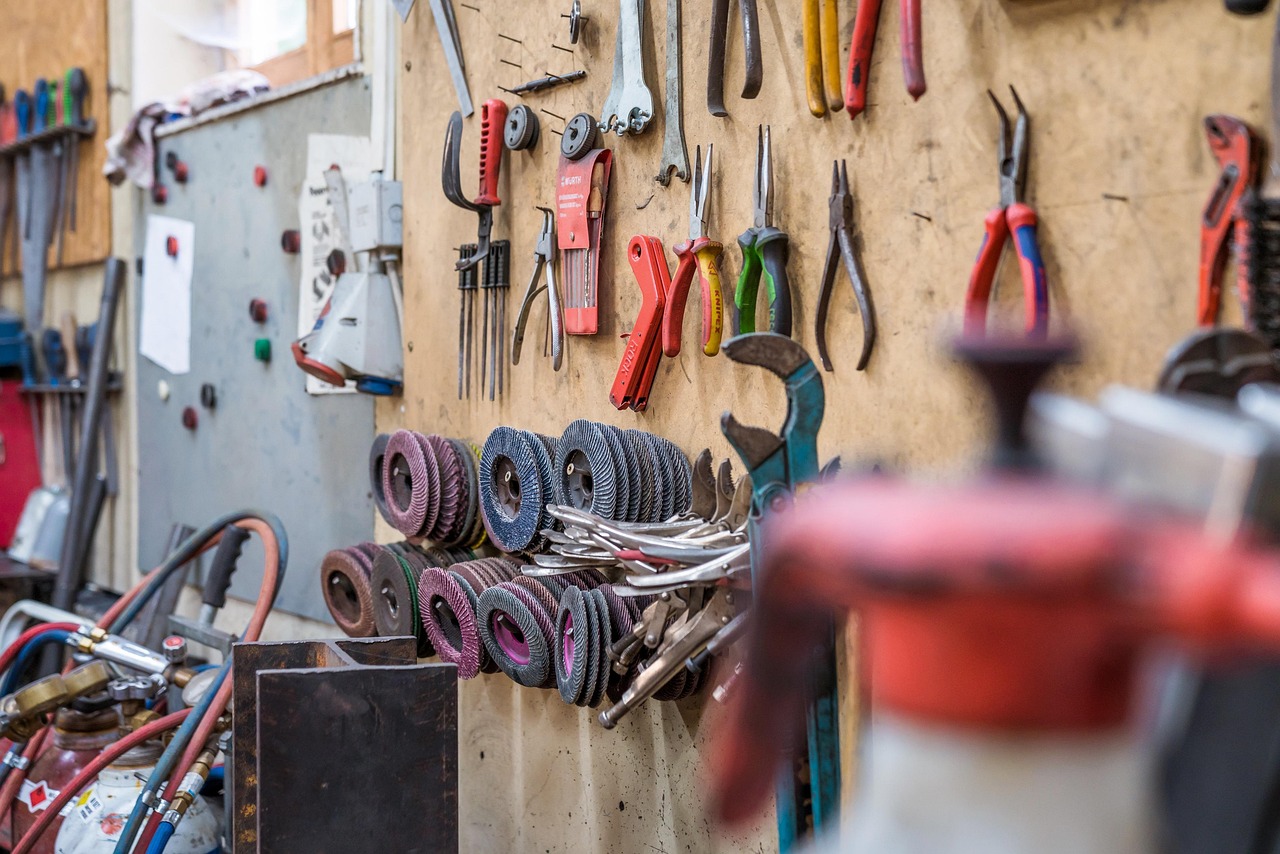
Recording Your Tools: Workshop, Basement and Garage Step by Step with OWNAMIC
Record tools in a photo series, keep serial number, receipt and manual on the device, add a QR label and log loans with confirmation. The way to go about it for DIYers.
Read more arrow_forward
Who Owns What in a Flatshare? Documenting It Together with OWNAMIC
Who owns what in a flatshare? Everyone records their own things. Joint purchases show their shares in a Shared Space. Moving out no longer starts an argument.
Read more arrow_forward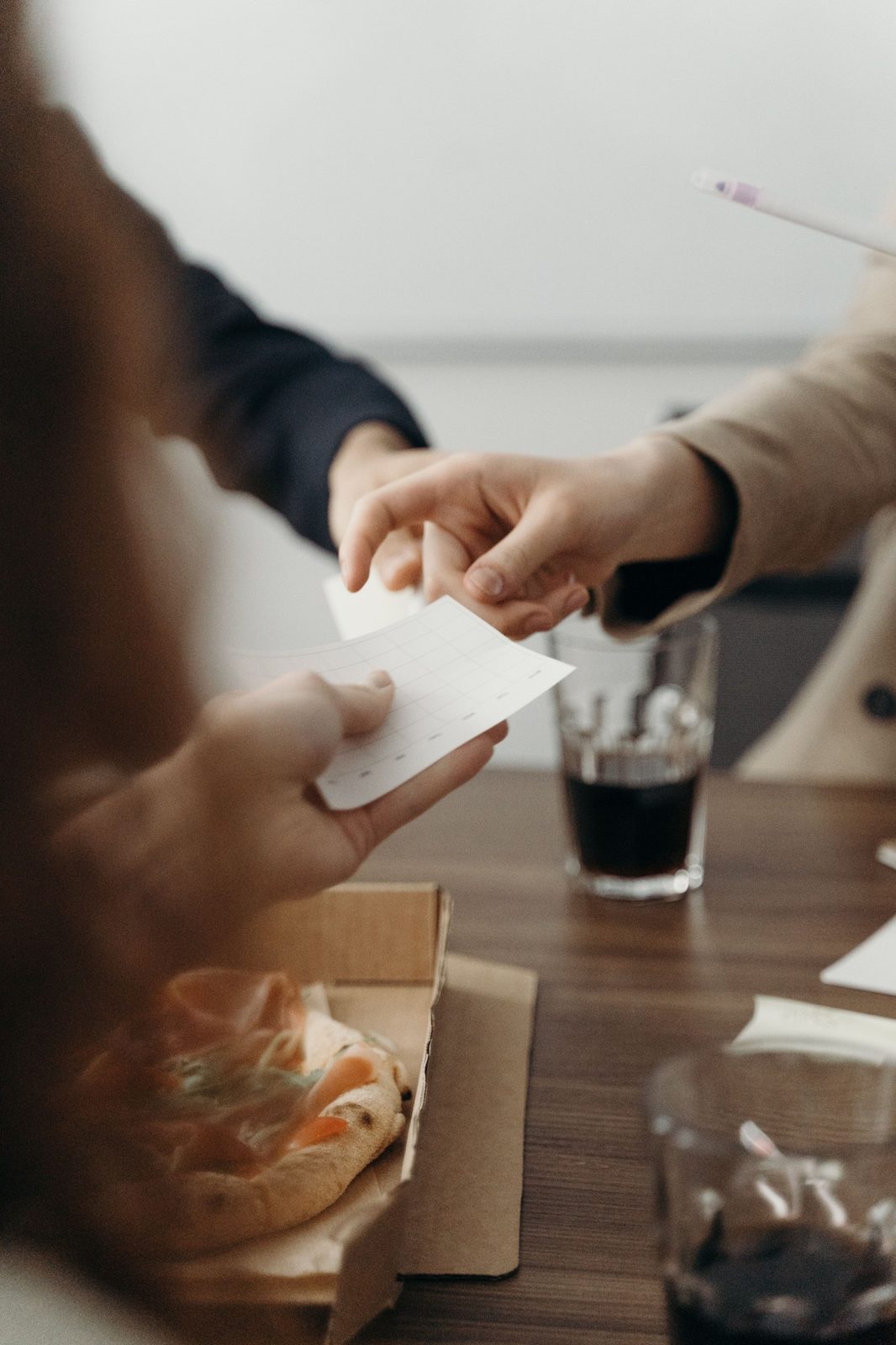
Finding Receipts: Till Slips and Invoices Step by Step with OWNAMIC
Photograph till receipts before they fade, file invoices on the object, check them in the household book: how to find receipts again for warranty, tax and insurance.
Read more arrow_forward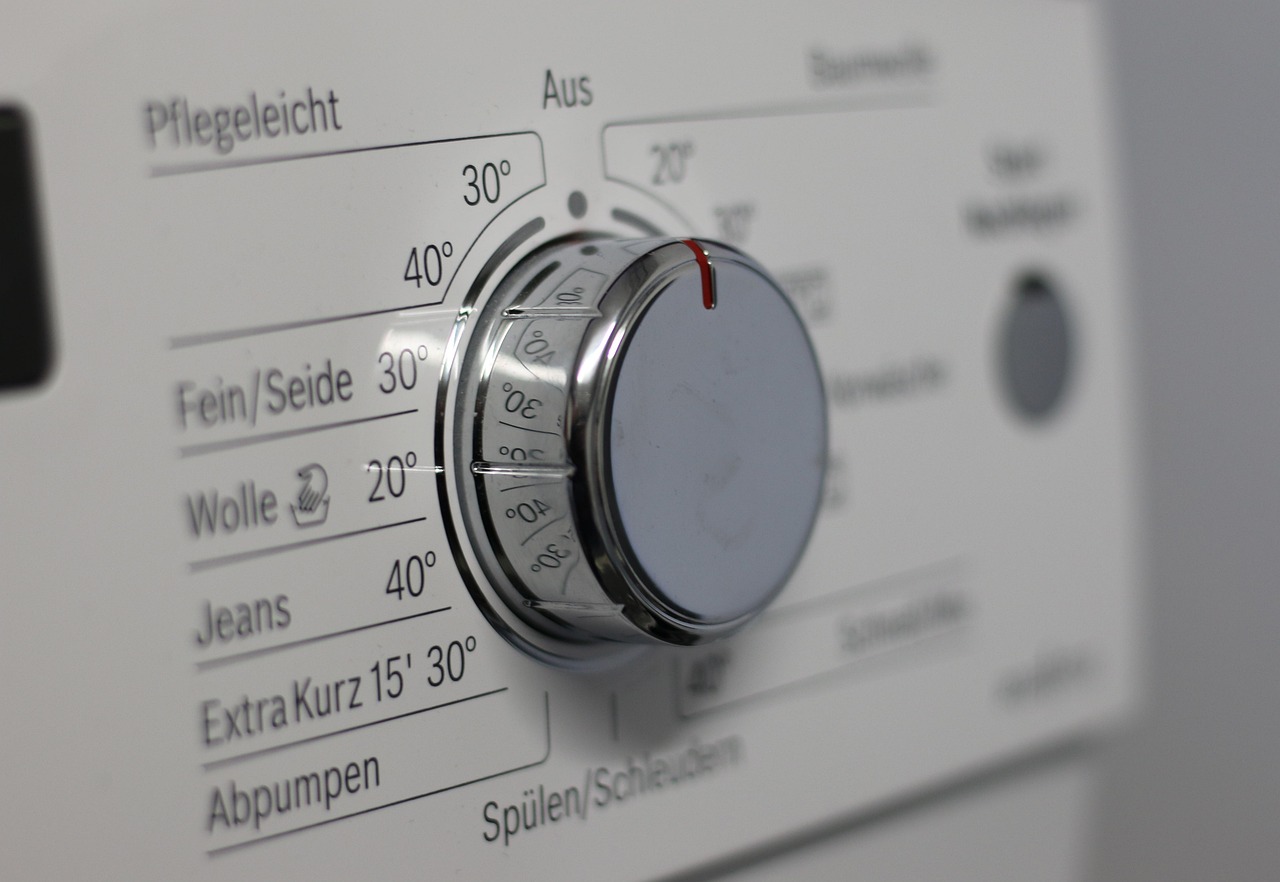
Finding User Manuals and Filing Them on the Device: Step by Step with OWNAMIC
Photograph the type plate, download the manual from the manufacturer as a PDF and file it on the device: how to have the manual to hand the next time an error code appears.
Read more arrow_forward
Avoiding Duplicate Purchases: Check Your Inventory First, Then Buy
Cables, tools, supplies, children's clothes, books: how to check in OWNAMIC on your phone in seconds whether you already own something before buying it twice.
Read more arrow_forward
A Home Contents Inventory for Your Insurer: Step by Step with OWNAMIC
A room-by-room home contents inventory for your insurer. You record prices new, serial numbers and receipts, find the gaps and save it all as PDF and ZIP.
Read more arrow_forward
Scan Instead of Search: Record Your Rooms Once, Find Things in Seconds
Film your rooms, take cupboards as a photo series, turn boxes into objects with contents: find things in OWNAMIC in seconds and keep their place up to date in two taps.
Read more arrow_forward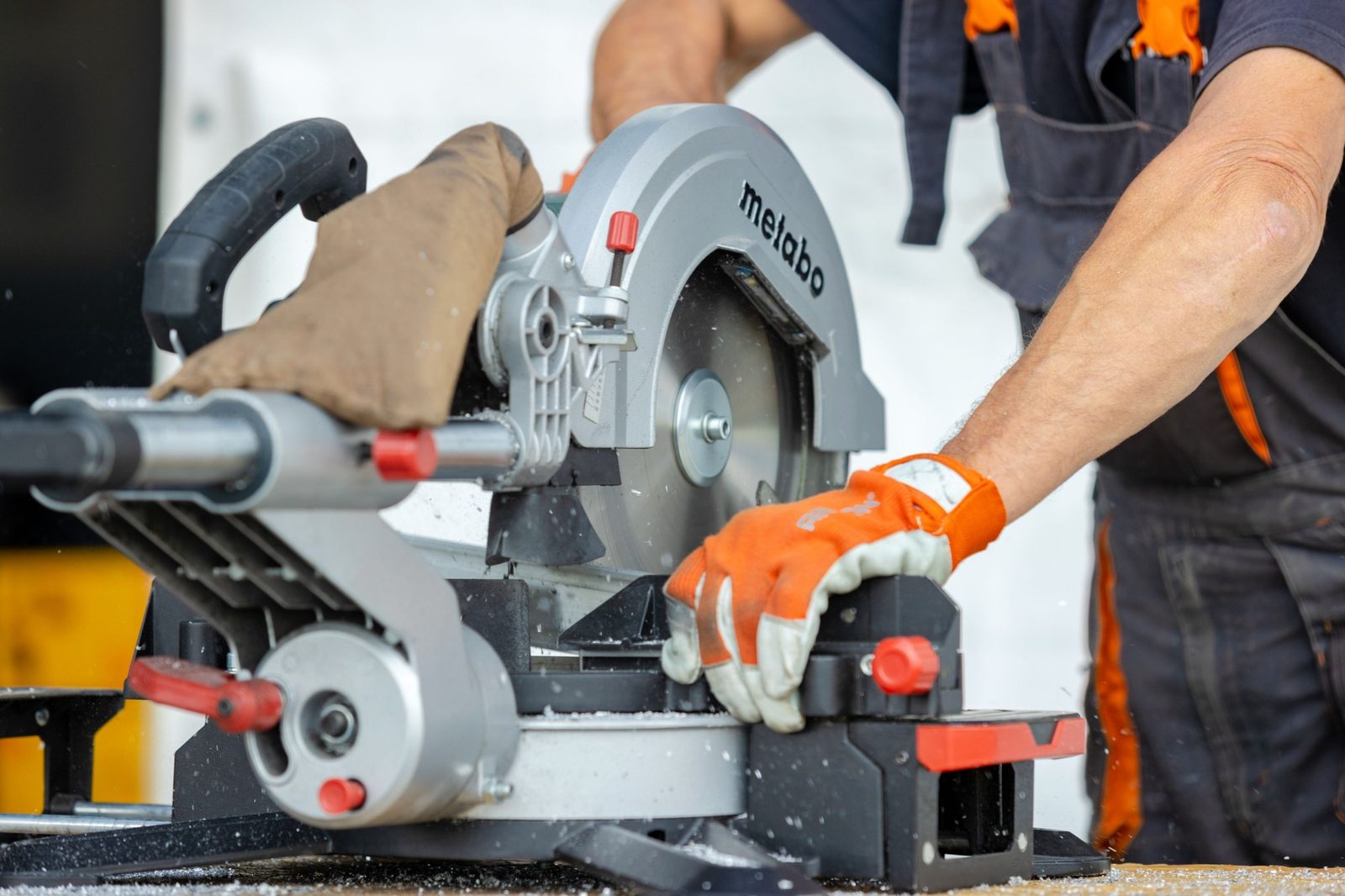
Lending Expensive Gear Among Friends: Documenting the Loan and the Return
Drill, projector, camera, trailer: record each item with its condition and serial number. The borrower confirms both the loan and the return via a link.
Read more arrow_forward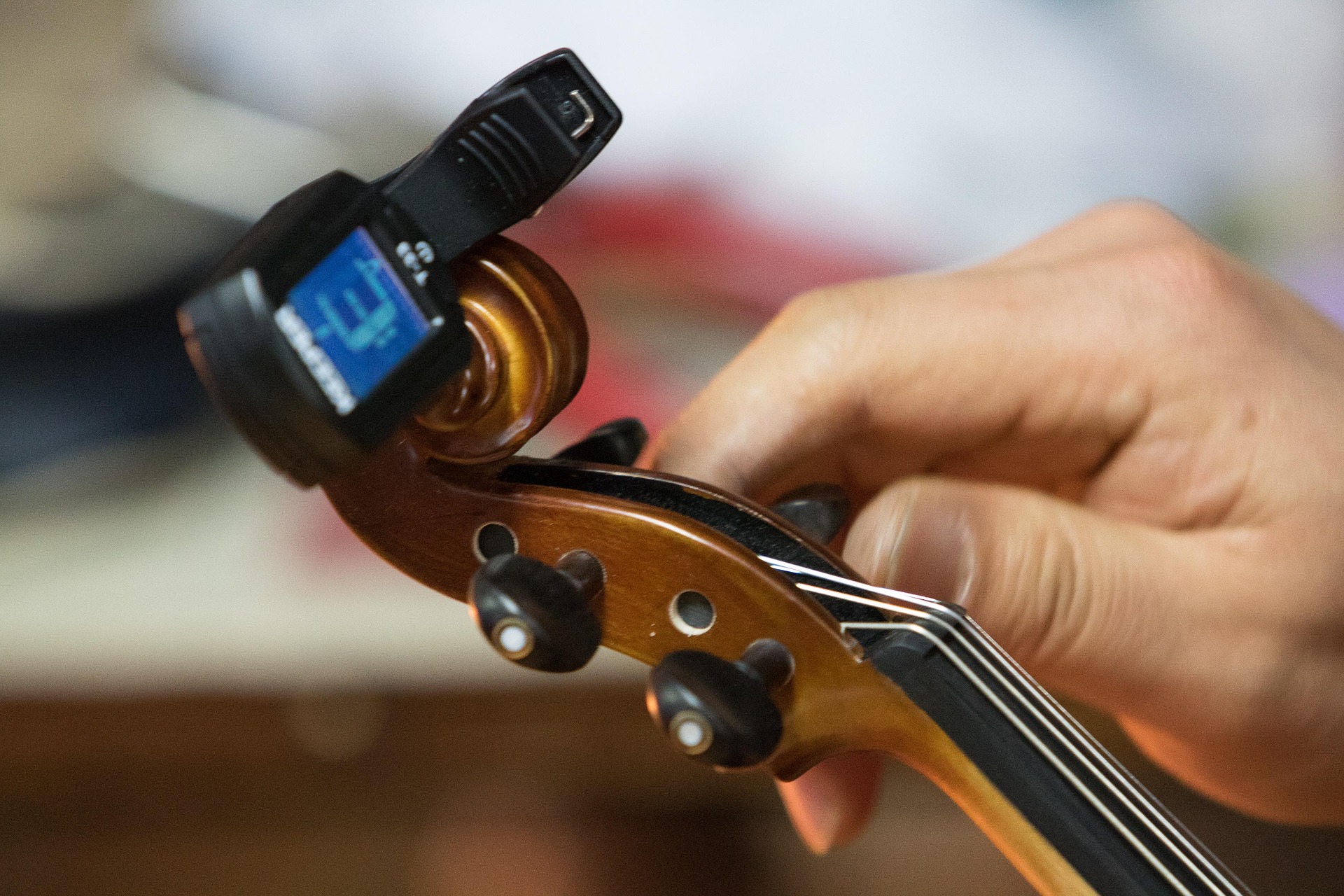
Like a service book, only for everything you own
Why a service history confirmed by the specialist workshop helps with an e-bike and a piano at resale and in an estate – and what “confirmed” means legally.
Read more arrow_forward
One afternoon. 500 possessions. A few questions asked.
How my mother captured her beloved puzzles and books with OWNAMIC – what that proves, and what it does not.
Read more arrow_forward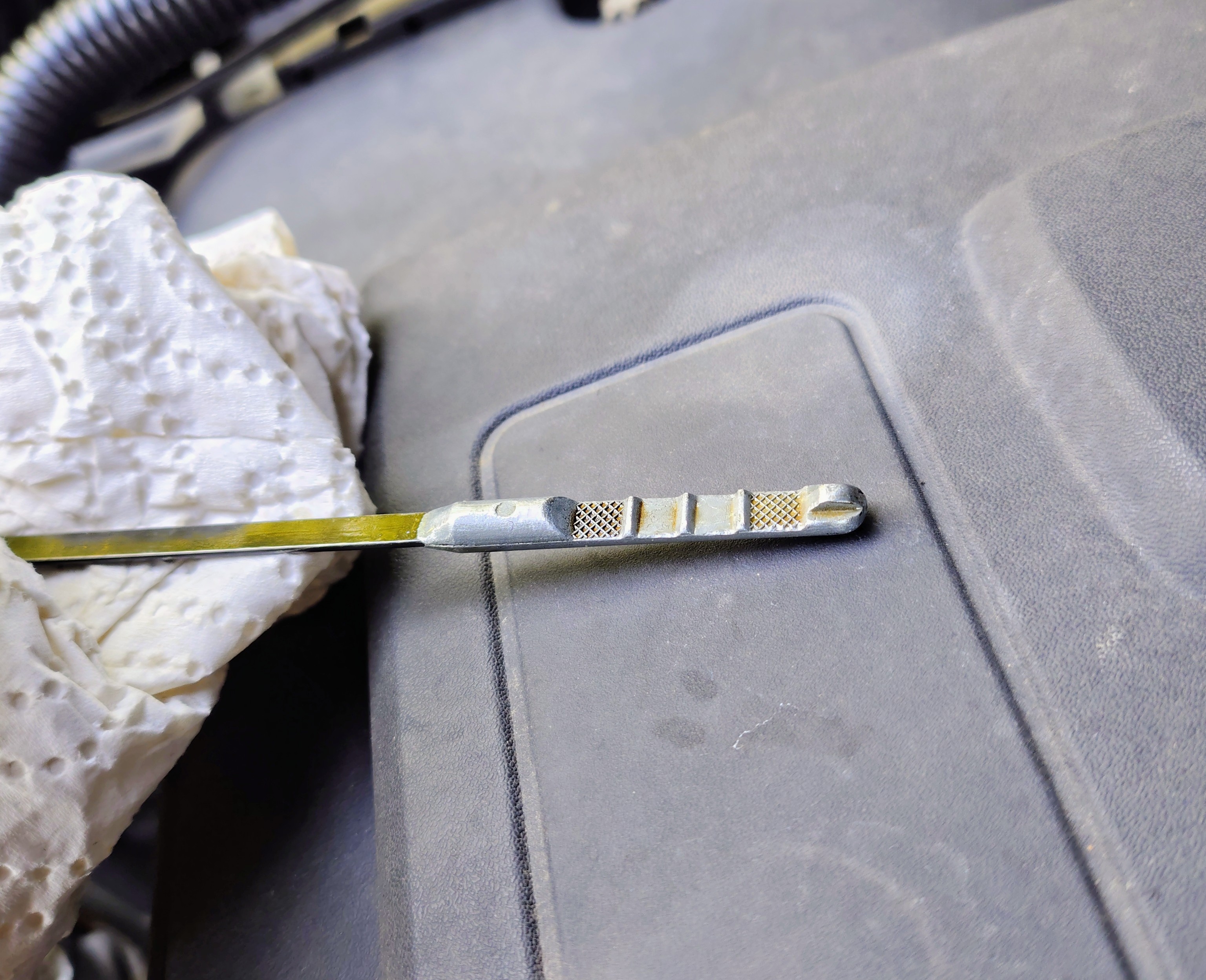
How Clean Documentation with OWNAMIC Can Protect You from a Financial Disaster
How clean documentation with OWNAMIC can get a defective car taken back by the dealer – the legal position in 2026, court rulings and a checklist for buyers.
Read more arrow_forward
Digital Inventory Management: Order That Holds Up When It Counts
Retailers, police and insurers ask for the serial number, frame number or IMEI far more often than for an item's value. How to note them down while the item is in front of you.
Read more arrow_forward
Documenting Household Contents: What's Ready When Your Insurer Asks
What household contents insurance accepts as evidence, how courts estimate, and how to document room by room with OWNAMIC – with evidence levels that say what they can carry.
Read more arrow_forward